Reading the docs…
Stopped.
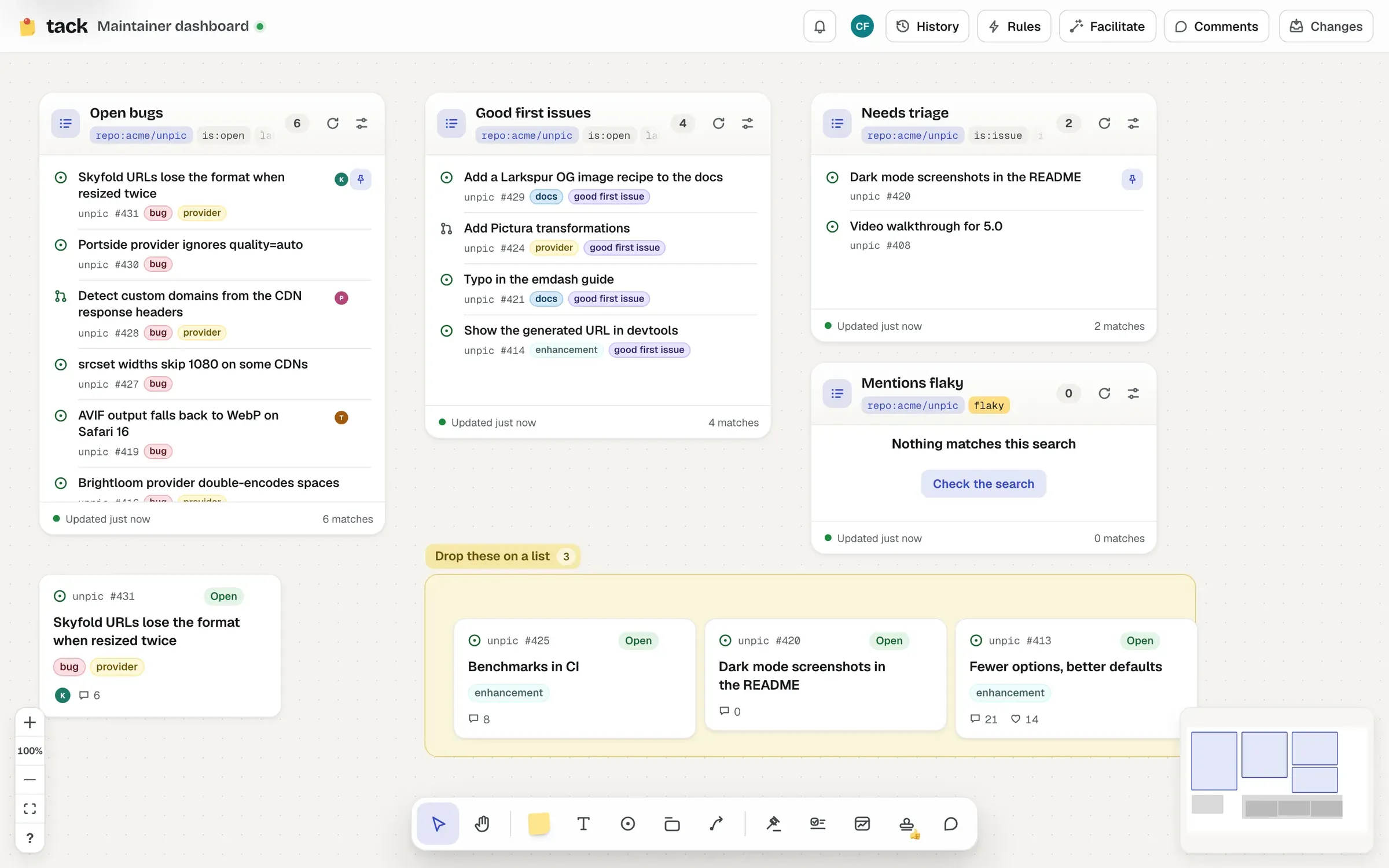
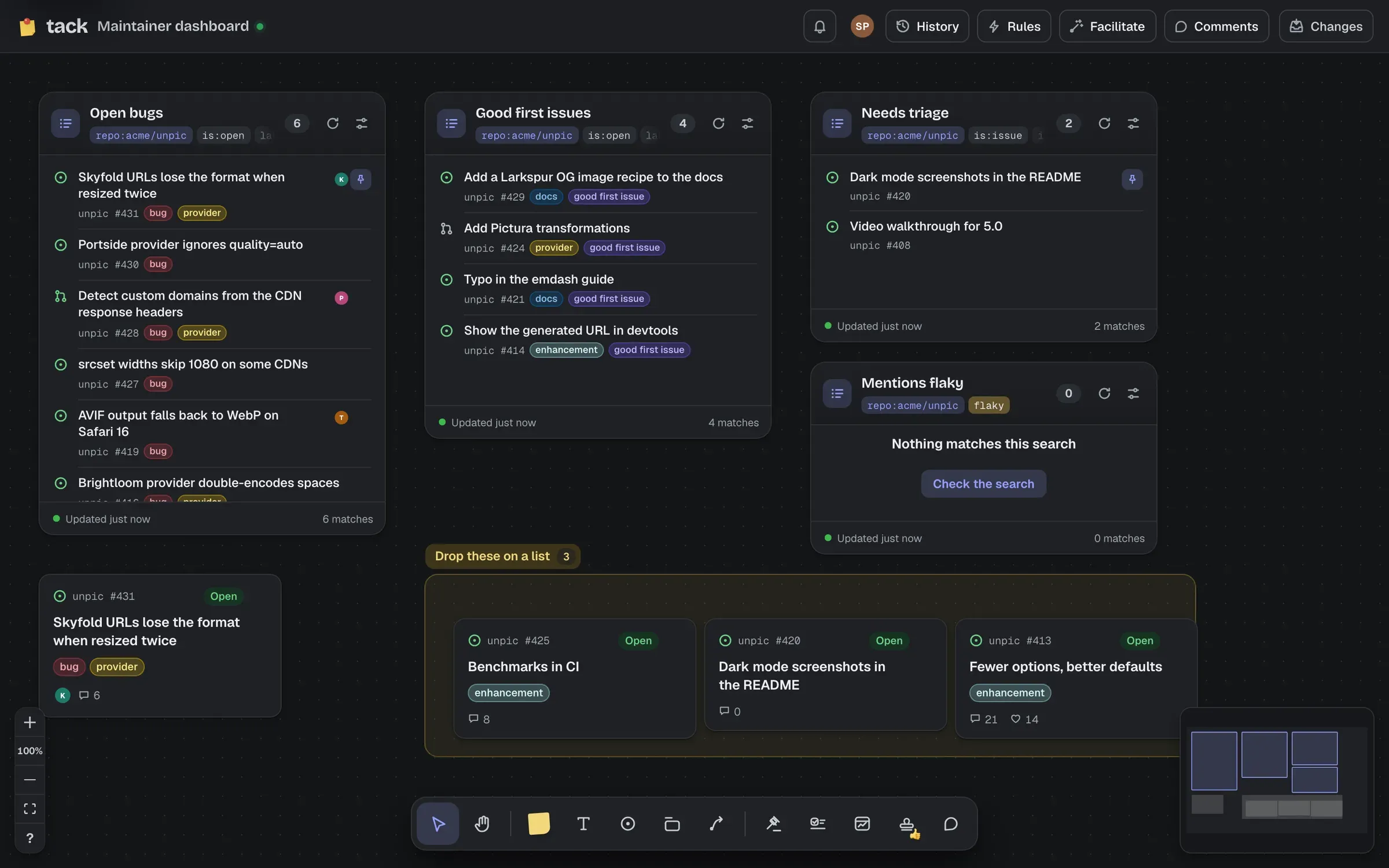
A list shows the results of any GitHub search, kept live for everyone looking at it.
| Setting | Stored as | Accepts | Default |
|---|---|---|---|
| Title (named after the search if empty) | title | Text, at most 120 | empty |
| Forge (only shown when the board has more than one) | host | Text, at least 1 character and at most 253 | github.com |
| Search | q | Text, at most 1000 | empty |
| Sort by: Updated, Created, Comments or Reactions; for discussions, Newest, Recently active, Top (most upvoted) or Most commented | sort | One of updated, created, comments, reactions, top | updated |
| Show up to: 10, 30, 50 or 100 | limit | A whole number from 5 to 100 | 30 |
The search is anything GitHub’s issue search understands, such as repo:owner/name is:open label:bug. Under the field, How Tack reads it shows its parts as chips: where it looks, what it filters, the words it searches for, and its order. A sort: in the search wins over Sort by, which then says so and is turned off.
The panel also says what refreshes it: “Live: refreshes when owner/name changes.” for a search in one repository, or “Searches everywhere you can see: refreshes every few minutes.” for one with no repository. See when widgets refresh.
The panel’s switch at the top, Issues & PRs or Discussions, picks what the list shows. In Discussions, the panel writes the search for you:
owner/name.Above them are ready-made discussion lists that fit the repository: Unanswered questions, Top ideas (when it has an Ideas category) or Top discussions, and Recent announcements (when it has an Announcements category).
The search itself stays below, as Search, as written, with everything the controls wrote in it: repo:owner/name is:discussion category:"Q&A" is:open is:unanswered. Editing it moves the controls, and anything they can’t show (words, authors, dates, a -label:) stays as written. A sort: in the search decides the order, as it does for issues.
Each discussion’s row shows its category’s emoji, its number, Answered with a tick (or Resolved, Outdated, Duplicate once closed), a lock if it’s locked, up to two labels, and on the right its upvotes and comments. A Top list puts the most upvoted first by the votes each discussion has now, and its rows glide to their new places when the order changes as votes come in. Upvotes don’t send GitHub webhooks, so a Top list reads them again every few minutes, and as soon as a discussion on the board is seen to change.
Each row shows the item’s state, title, repository and number, up to three labels and two assignees (discussions show their own: see above). Rows already on the board have a pin (click it to find the card); the rest link to GitHub. The header shows the search as chips; point at them (or Tab to them) to read the whole search, with Copy and, for GitHub, Open on GitHub. The footer counts the results, “30 of 112”. A list that searches for words, or everywhere, and finds nothing says “Nothing matches this search” and offers to edit it, since waiting won’t help.
Drop cards onto a list, and Tack works out what would make them match its search, and offers to stage it: “Make #412 match”, “So it shows in “Open bugs”. Staged, not pushed.” The cards glide back to where they were.
It can stage labels added or removed, assignees, a milestone, and closing or reopening (with reason: deciding how it’s closed). Some searches can’t be matched by changing an item, and the list says why: words in the title, a different repository or author, whether a pull request is merged, or a repository without the app (“Tack can’t change items in owner/repo: the app isn’t installed there”). A list that searches for words says so in its settings: “dropping cards on it can’t make them match”.
The changes are staged like any other, and go to GitHub when someone pushes.