Reading the docs…
Stopped.
Silent mode keeps a section’s new stickies hidden from everyone but their author until someone reveals them, so nobody anchors on the first idea.
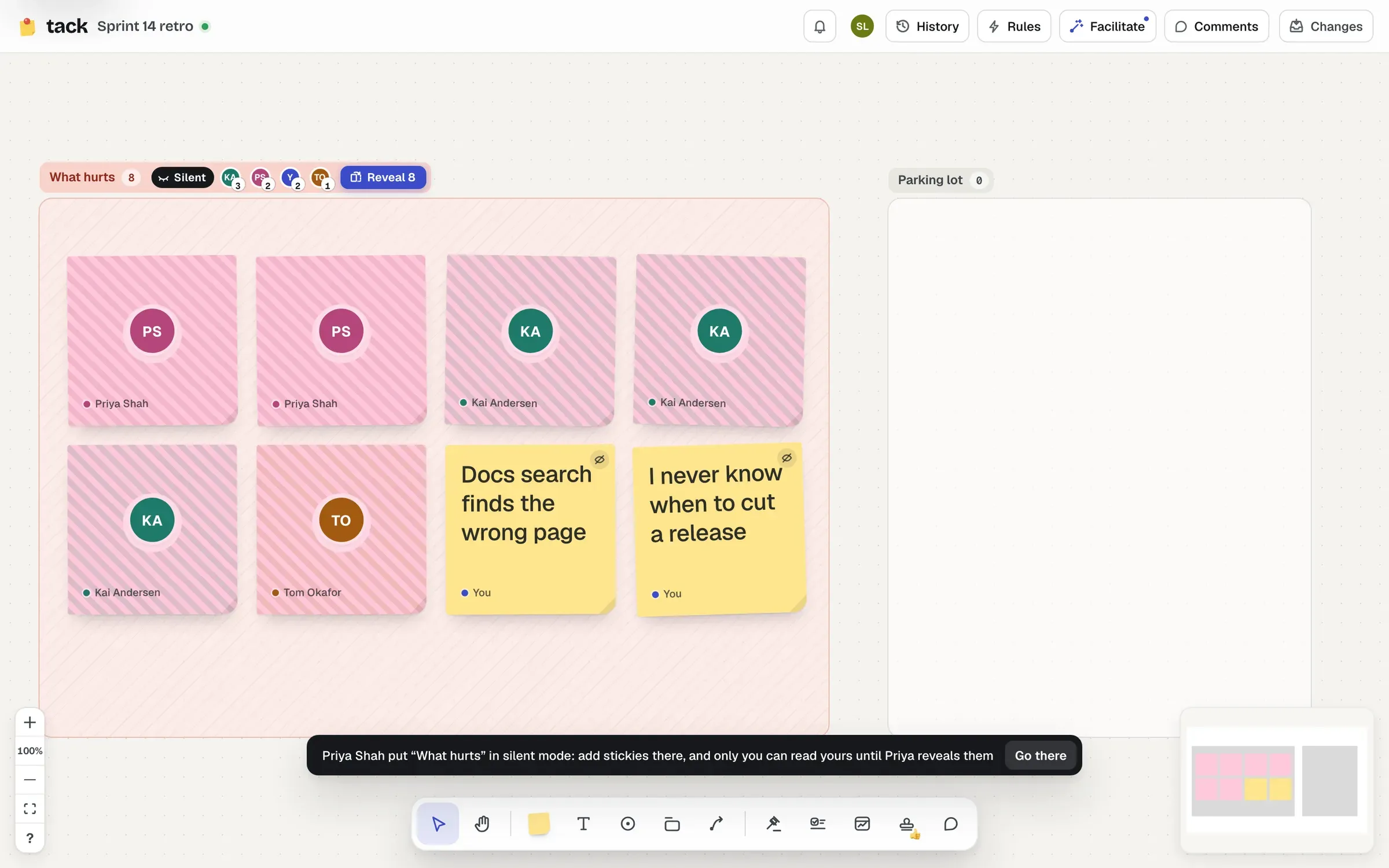
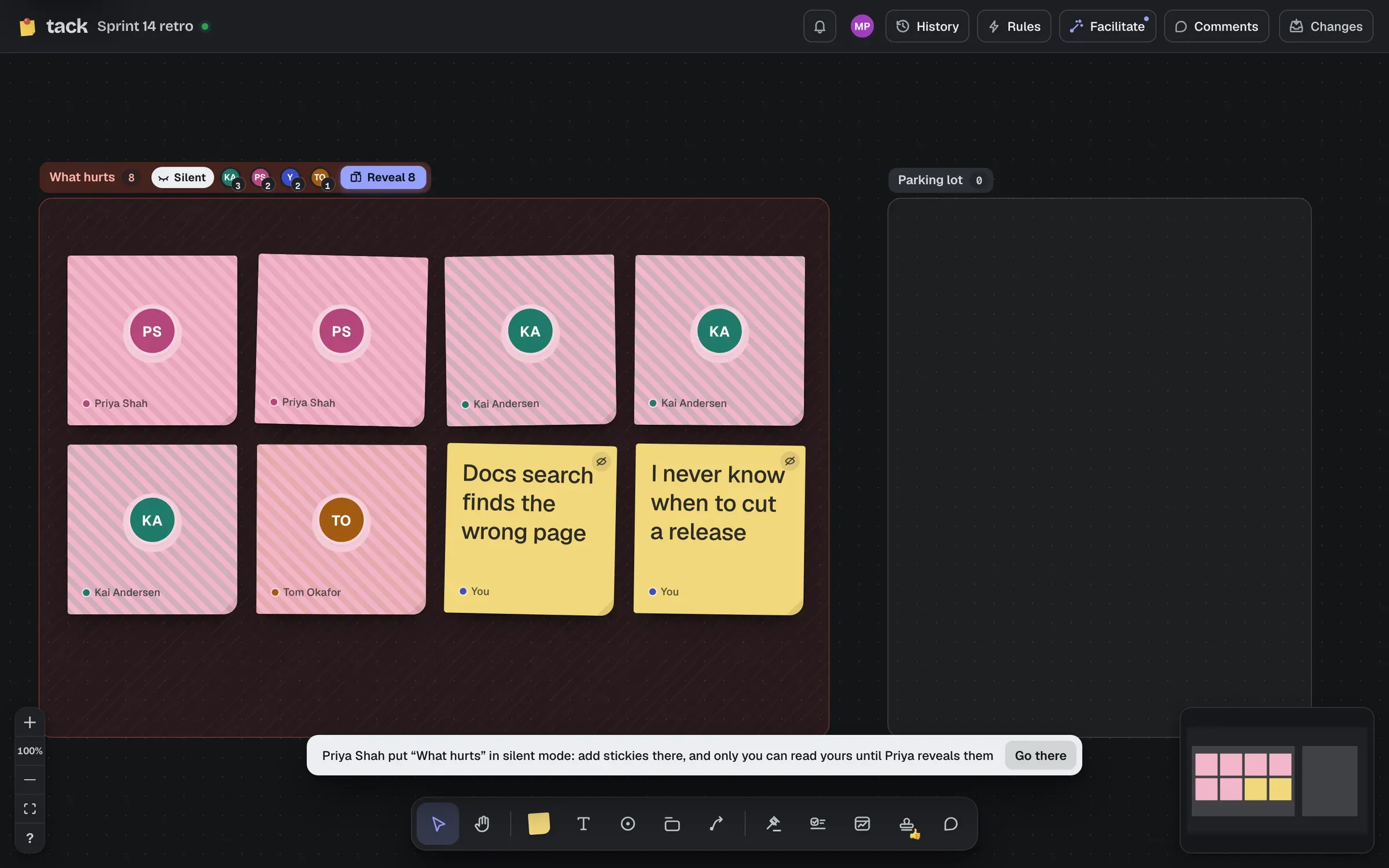
Facilitate → Silent mode → Start on a section…, then click the section (sections are outlined while you pick). With a section selected on its own, the menu starts it there straight away, and so does Silent in the section’s bar. On a board without sections, Make one here makes one in view.
Everyone’s told what to do, with Go there to get to the section: “Priya put “What hurts” in silent mode: add stickies there, and only you can read yours until Priya reveals them.” People who open the board while it’s on are told too.
While it’s on:
Stickies that were already in the section, or that are dragged in, stay face up: everyone’s seen them. A face-down sticky dragged out of the section stays face down. Several sections can be silent at once.
Reveal (in the header, or in the Facilitate menu’s Running now) turns every sticky over at once, in a wave across the section. It can be revealed by whoever started silent mode, or the board’s owner. If the person who started it has left the board, anyone who can edit it can reveal it, so a section is never stuck face down. Revealing can’t be undone.
Until anyone has written something, the button is End silent mode instead: started on the wrong section, it just ends.
Hidden text never goes into the board itself. Your browser sends what you type only to the board’s server, which keeps it and sends it only back to you (to your other tabs, and when you come back). Nobody else’s browser has it until the reveal, so nobody can peek, however they look.
If you’re not signed in, Tack recognises you by a random secret your browser keeps, so your hidden stickies come back if you reload.
People with view access can’t start silent mode, write in it, or reveal it.