Reading the docs…
Stopped.
A rule watches what GitHub tells the board, and places cards when something matches. Rules only ever add cards: they never move or remove what people placed.
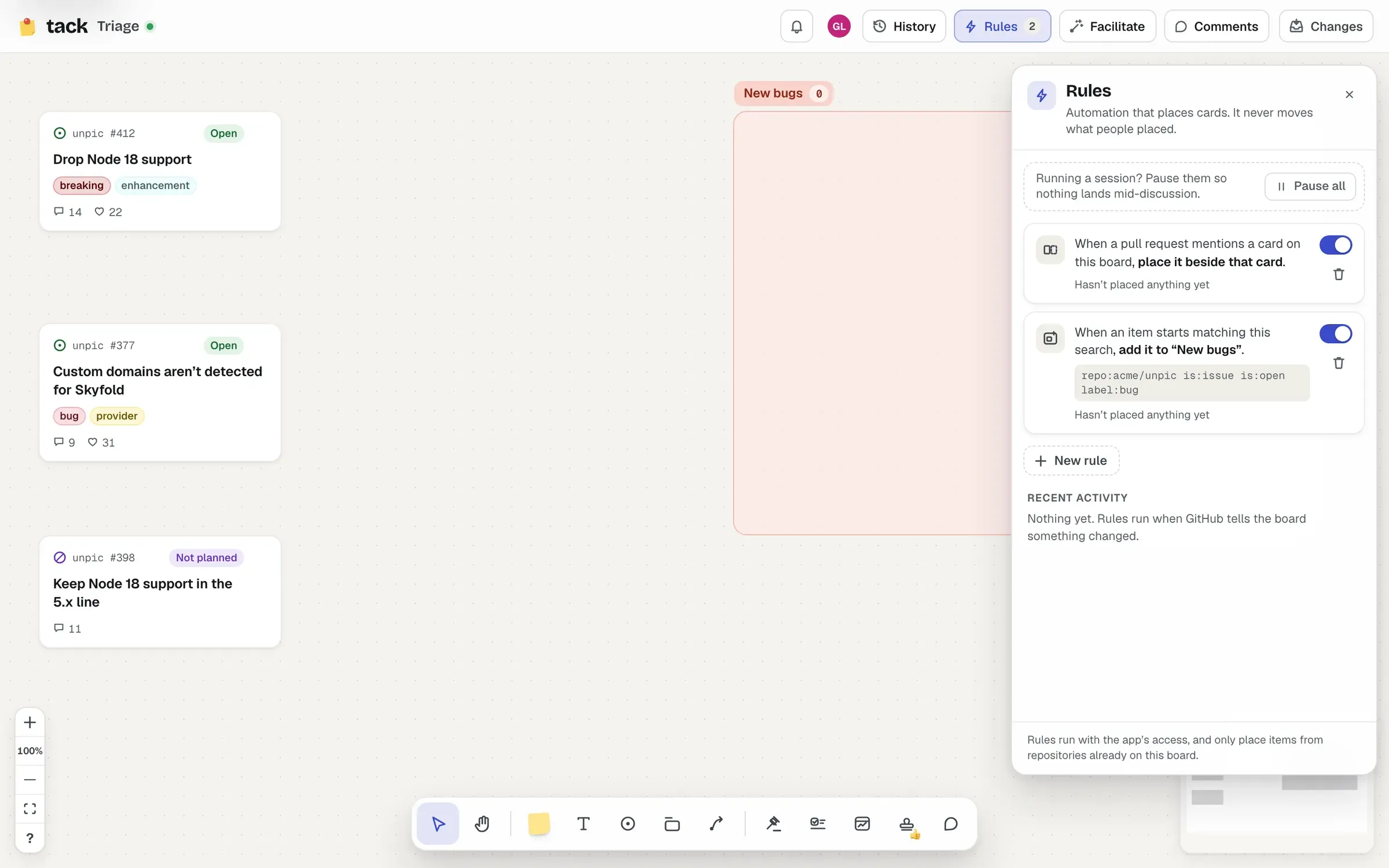
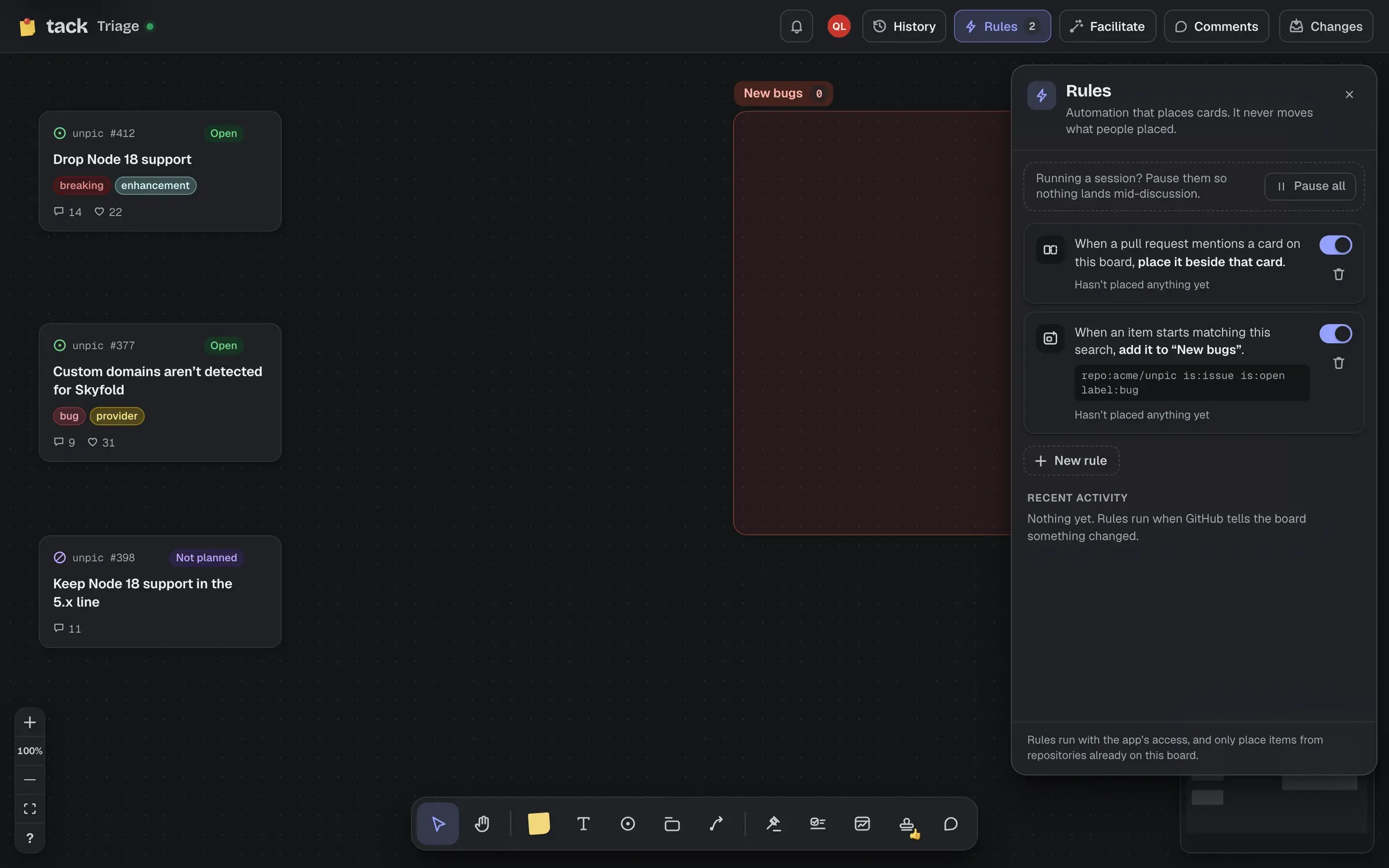
Choose Rules in the top bar (“Rules: automation that places cards”). The badge counts the rules that are on.
Pull requests for cards: “When a pull request mentions a card on this board, place it beside that card.” Tick Only pull requests that close the card (“Fixes #12”) to only place pull requests that say they close it.
#12, owner/repo#12 or a link to the issue, in the pull request’s title or description (not in code blocks).Search matches: “When an item starts matching this search, add it to “Section”.” Write a search and choose a section. An item starts matching when it’s opened, or labelled or edited so that it matches. The composer counts what matches now, and helps with a search in plain words as list settings do.
repo:owner/name.Start from Pull requests beside their issues or New matches into a section if the board has no rules yet, or choose New rule, which starts from a ready-made search and a section no rule uses yet. The composer says what the rule will do as you write it, or what’s wrong, including when a rule already does the same.
Rules or an inbox? Both bring search matches into a section. A rule places them straight in; an inbox queues them in a tray for people to sort first. The composer offers Make “Section” an inbox instead, and an inbox’s editor has Place new matches straight in, which adds the rule for you.
Each rule has a switch to pause it, says how many cards it’s placed and when, and can be deleted (with Undo).
To pause every rule at once for a live session, choose Pause all at the top of the panel (or Pause rules for this session in the Facilitate menu). While they’re paused, the top bar’s Rules button shows a pause mark and how many updates are waiting; nothing is lost, and Resume places what they would have placed, in order. Rules hold up to the last 200 updates while paused.
Recent activity lists what rules did, newest first: “Placed #431 beside #412”, “Added #440 to “Bugs””, “Couldn’t find room for #441”. Click one to find the card. When a rule places a card while you’re on the board, a toast says so and names the rule (“Placed #431 beside #412, by “Pull requests beside their issues””), with Show to find the card and Remove to take it off the board (which you can undo).