Reading the docs…
Stopped.
Free • Open source • Self-hosted
A live, multiplayer whiteboard full of your real issues and pull requests. Plan together on a call or across time zones, and what you decide goes back to GitHub as new issues, labels and milestones.
Or GitLab, Codeberg or Tangled.
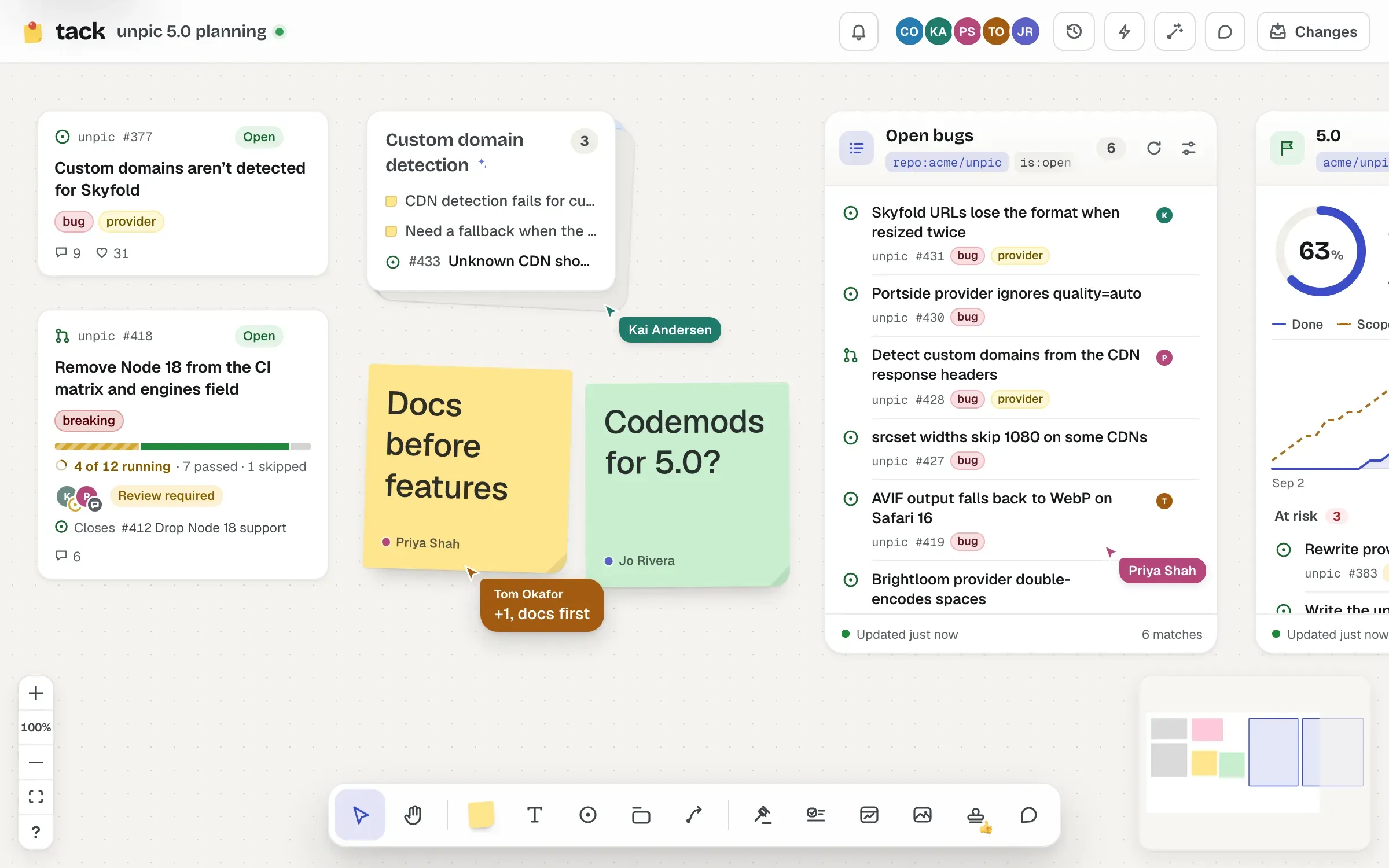
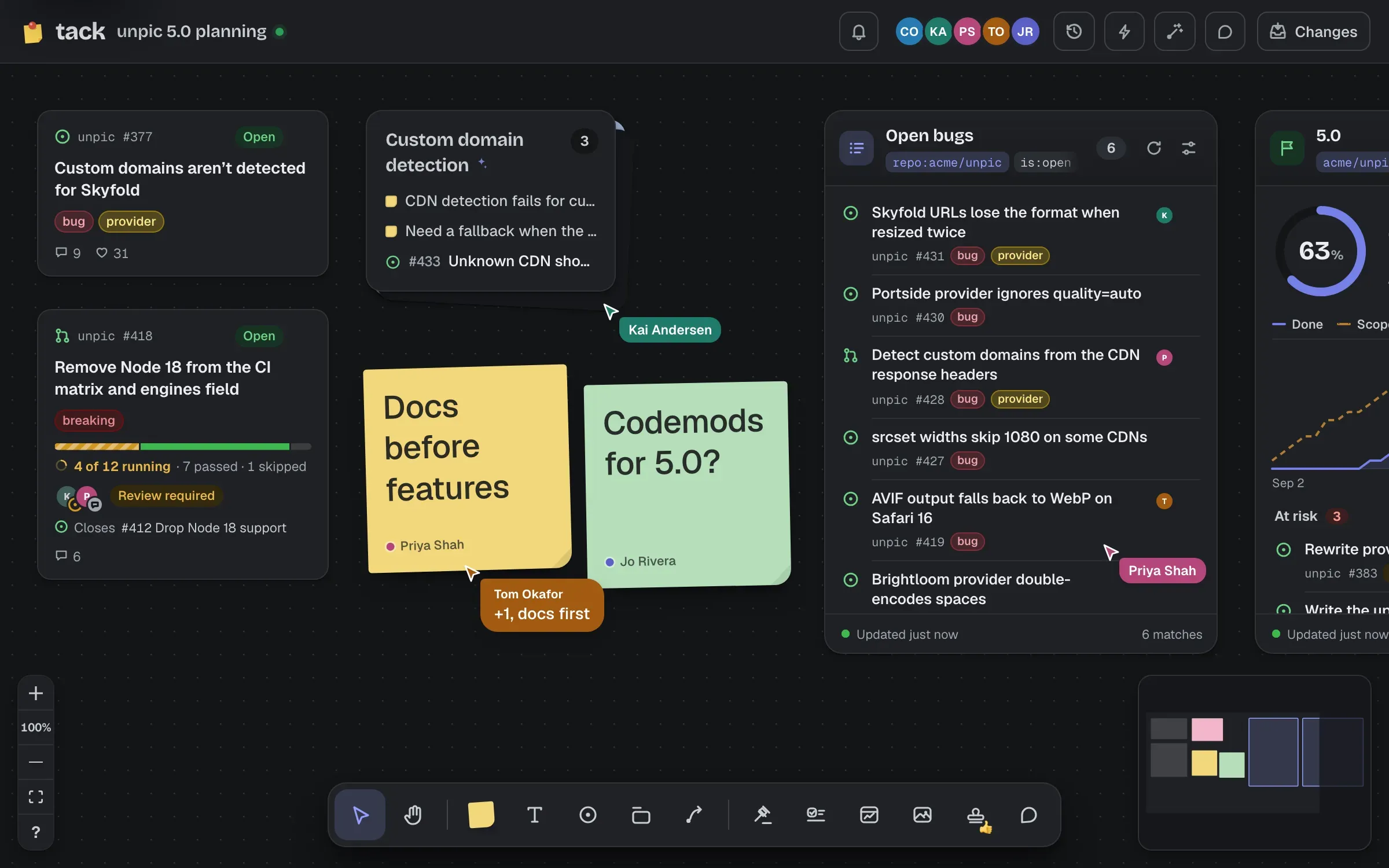
Maintainers and contributors planning releases, roadmaps, triage and retros, on a call or across time zones over a week. Public boards for planning in the open, private ones for everything else. The board is where you think; GitHub is where it lands.
Write back
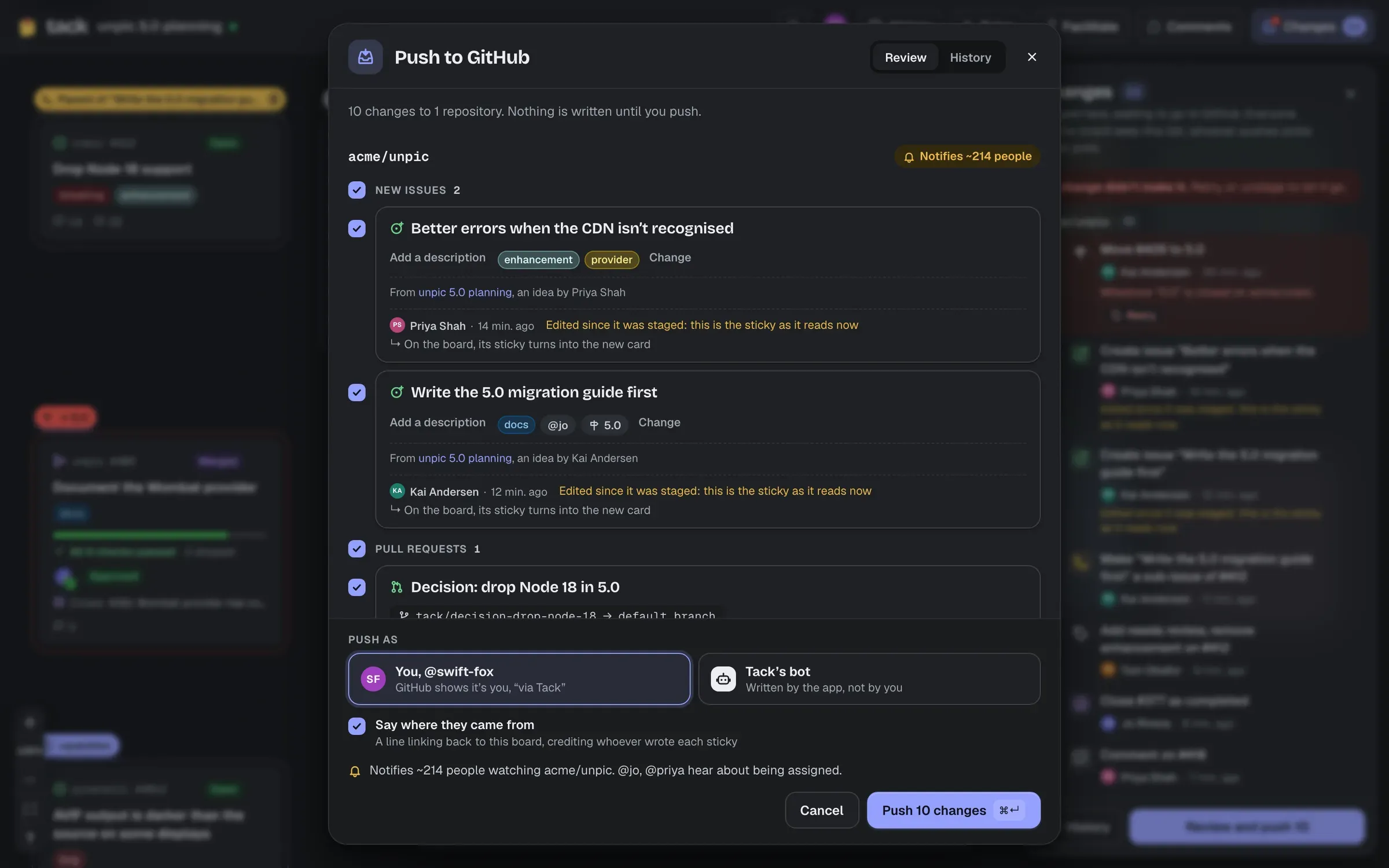
Stickies become issues, a section a parent issue with sub-issues, an arrow a blocked-by link, a decision an ADR pull request; labels, milestones and assignees too. It all waits in one list until someone reviews it and pushes, as themselves or as the app's bot.
How writing back works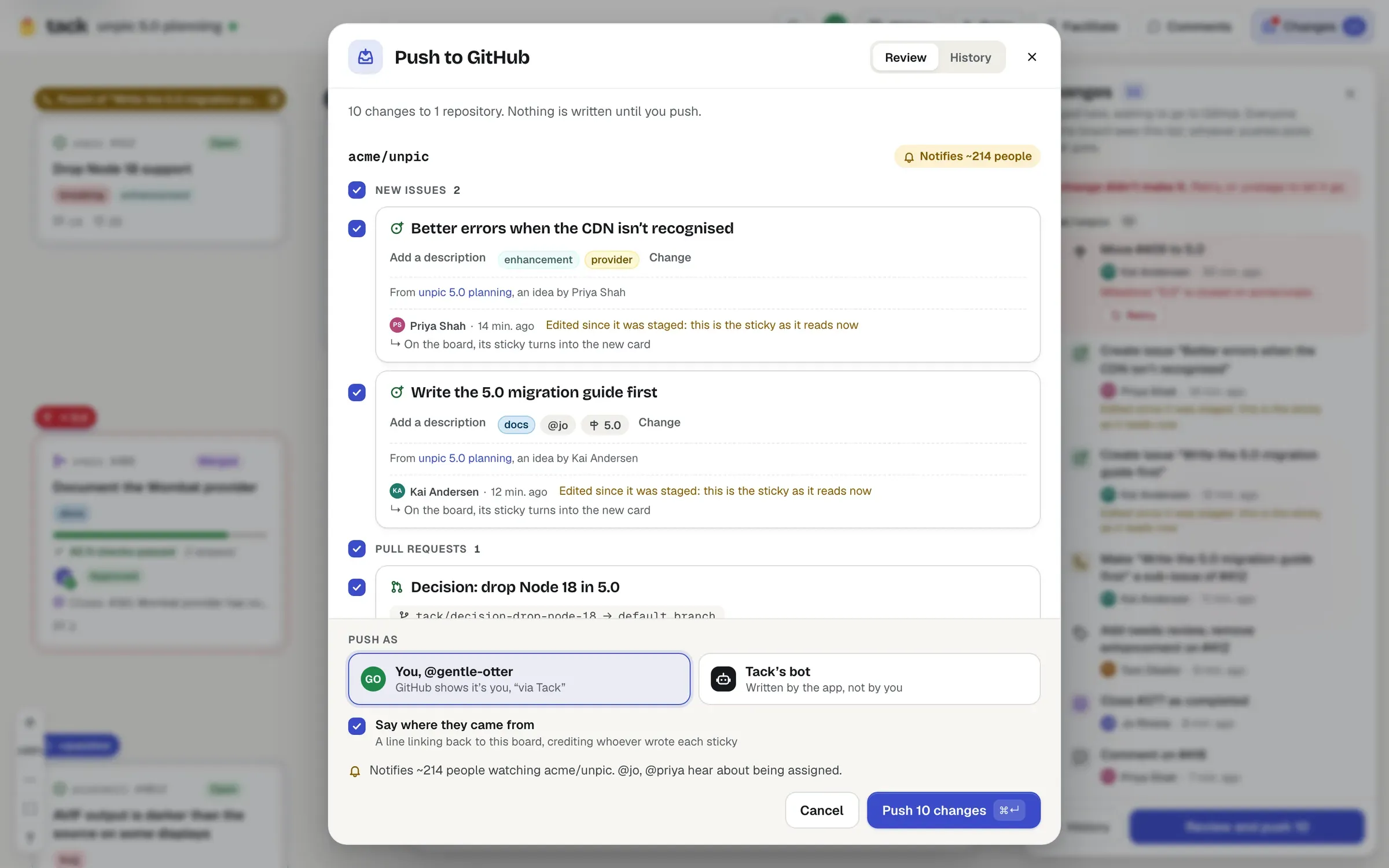
Stacks and AI
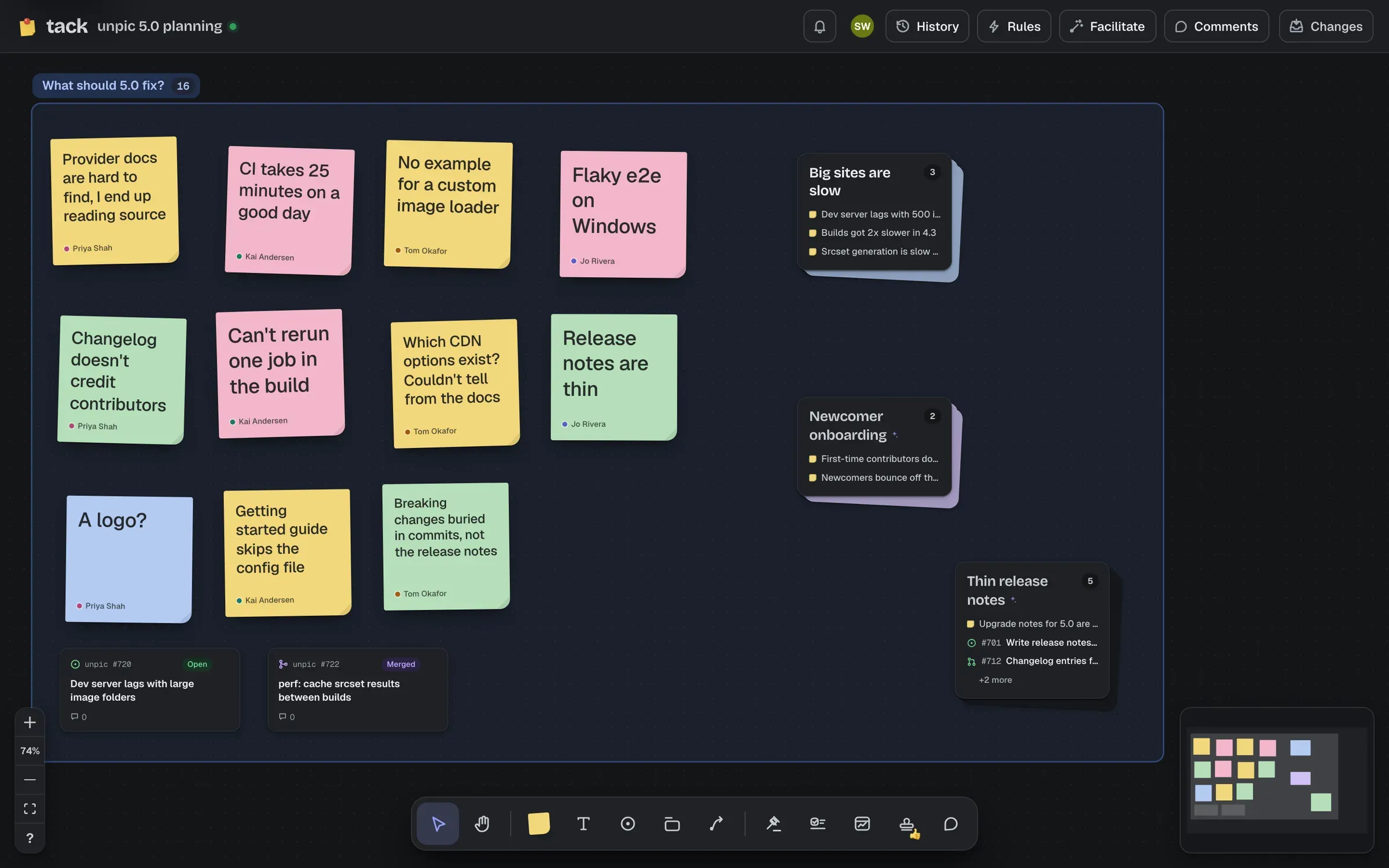
Select a whole wall of stickies, issues and pull requests, and Auto-stack sorts them into themes for you, each stack named from what's in it. Or drag one sticky onto another to stack them yourself, like apps in a folder on your phone. The AI runs on your own Cloudflare account, and every suggestion is yours to keep, rename or undo.
Stacks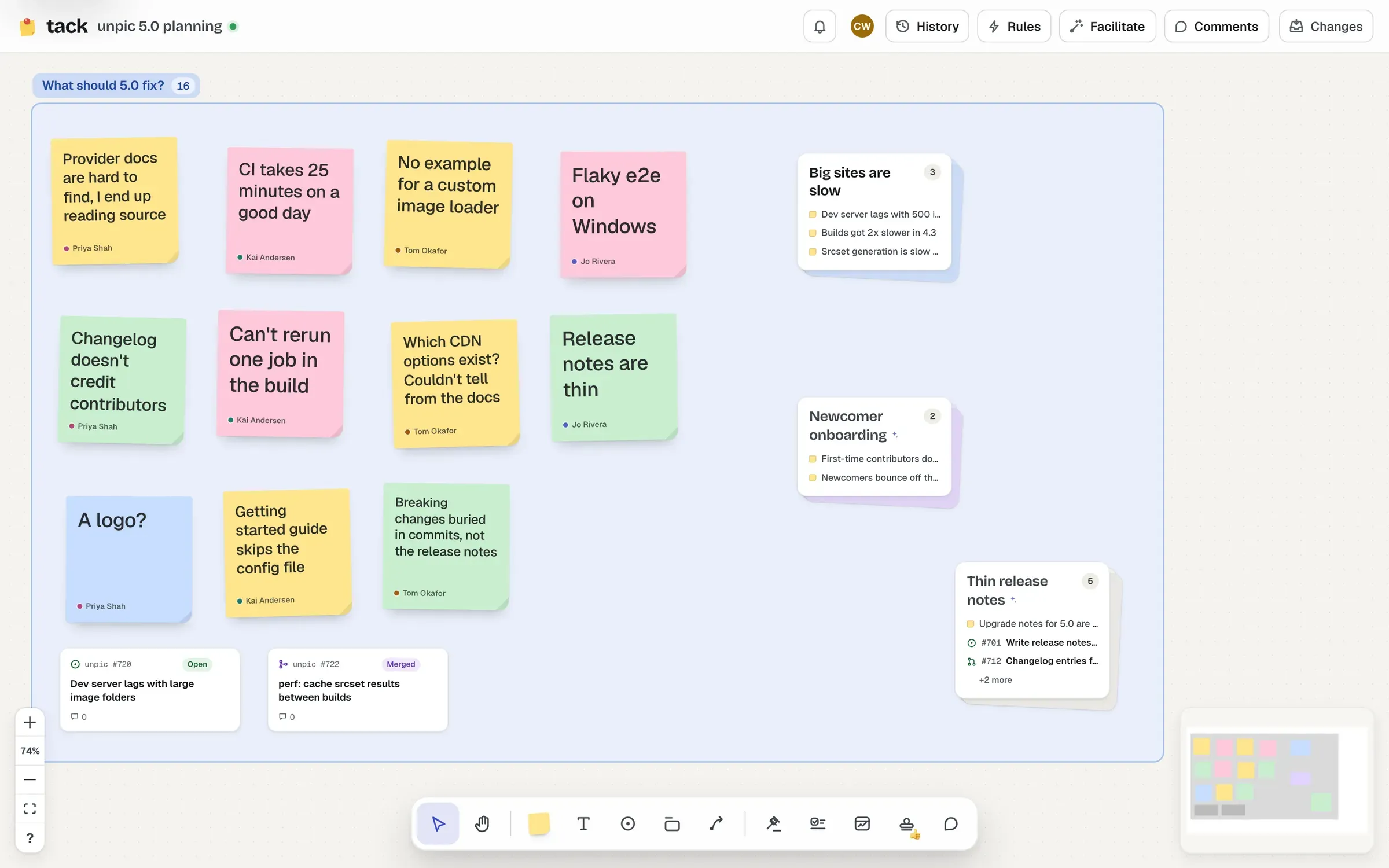
Facilitation
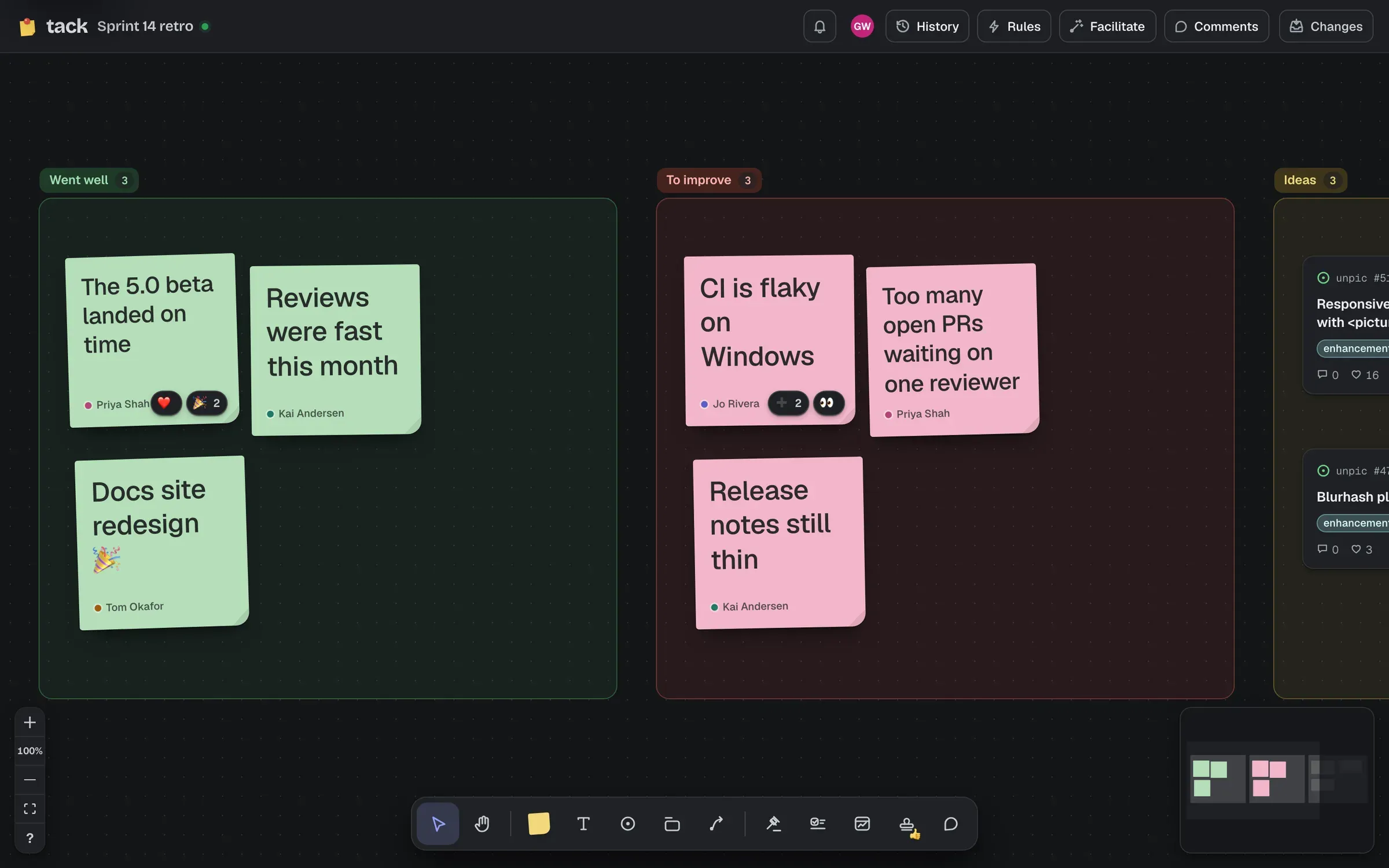
Start from a template for a planning session, a retro or triage, with each step ready to run. On a call, there's a shared timer, spotlight, silent writing and stamps. Off it, dot votes stay open for days, comments thread, “since you were here” catches people up, and a weekly digest goes out as a GitHub Discussion or by email.
Running a session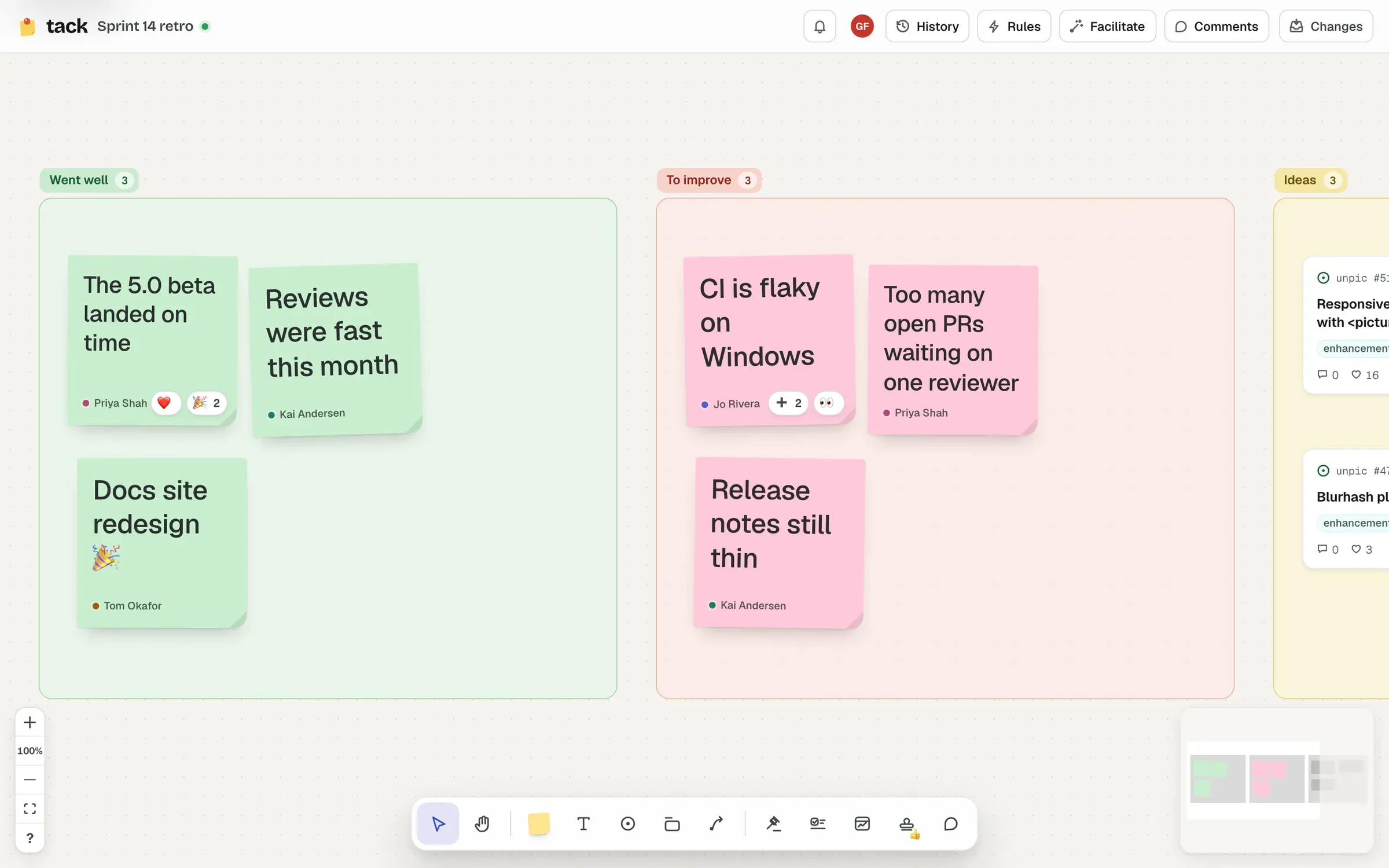
Widgets and automation
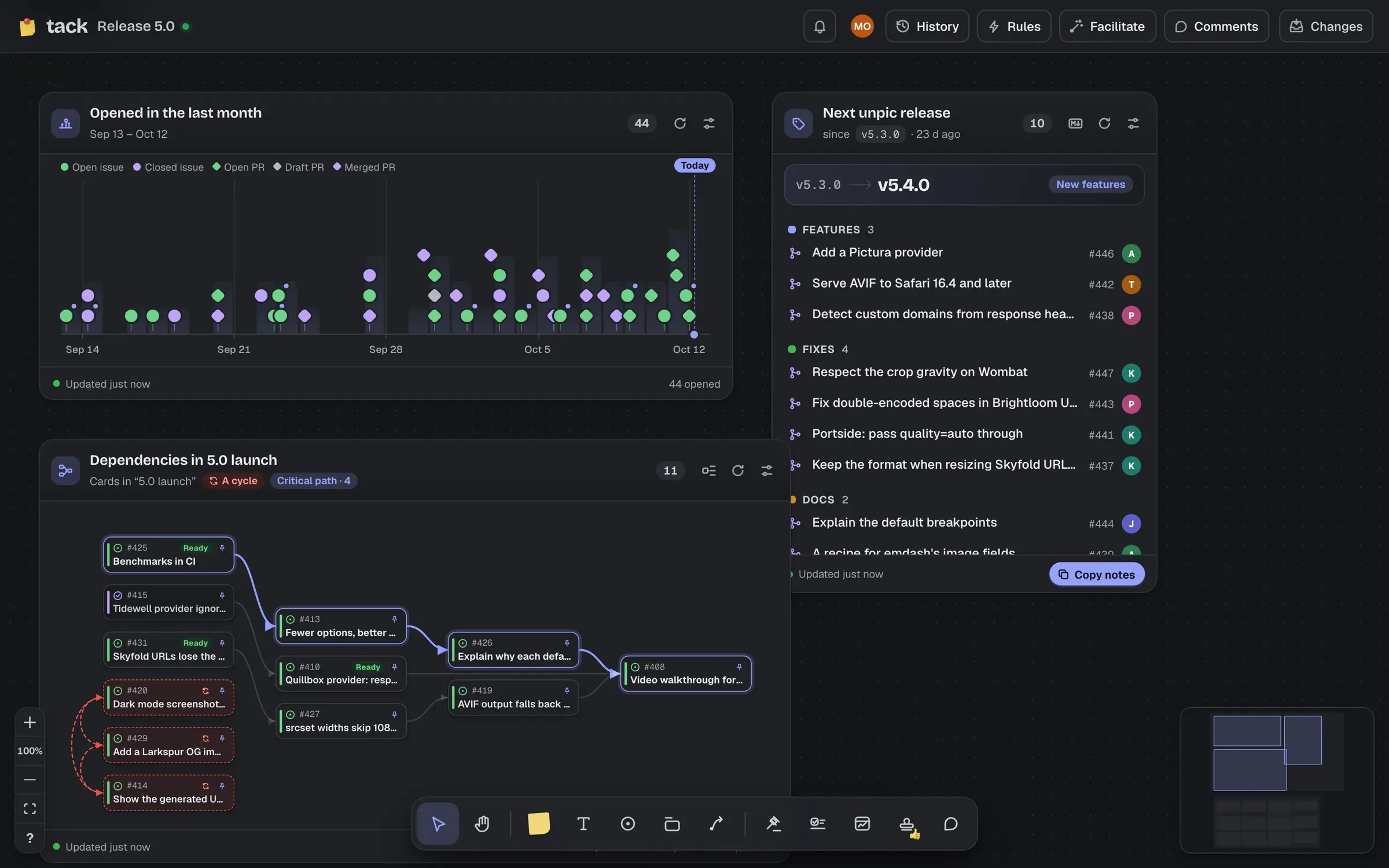
Live lists, a timeline, a release draft, a dependency map with its critical path, a review queue, milestone progress and a stale finder, or a widget of your own, sandboxed. Inbox sections collect new matches for a search, and rules place pull requests beside the issues they fix.
The widgets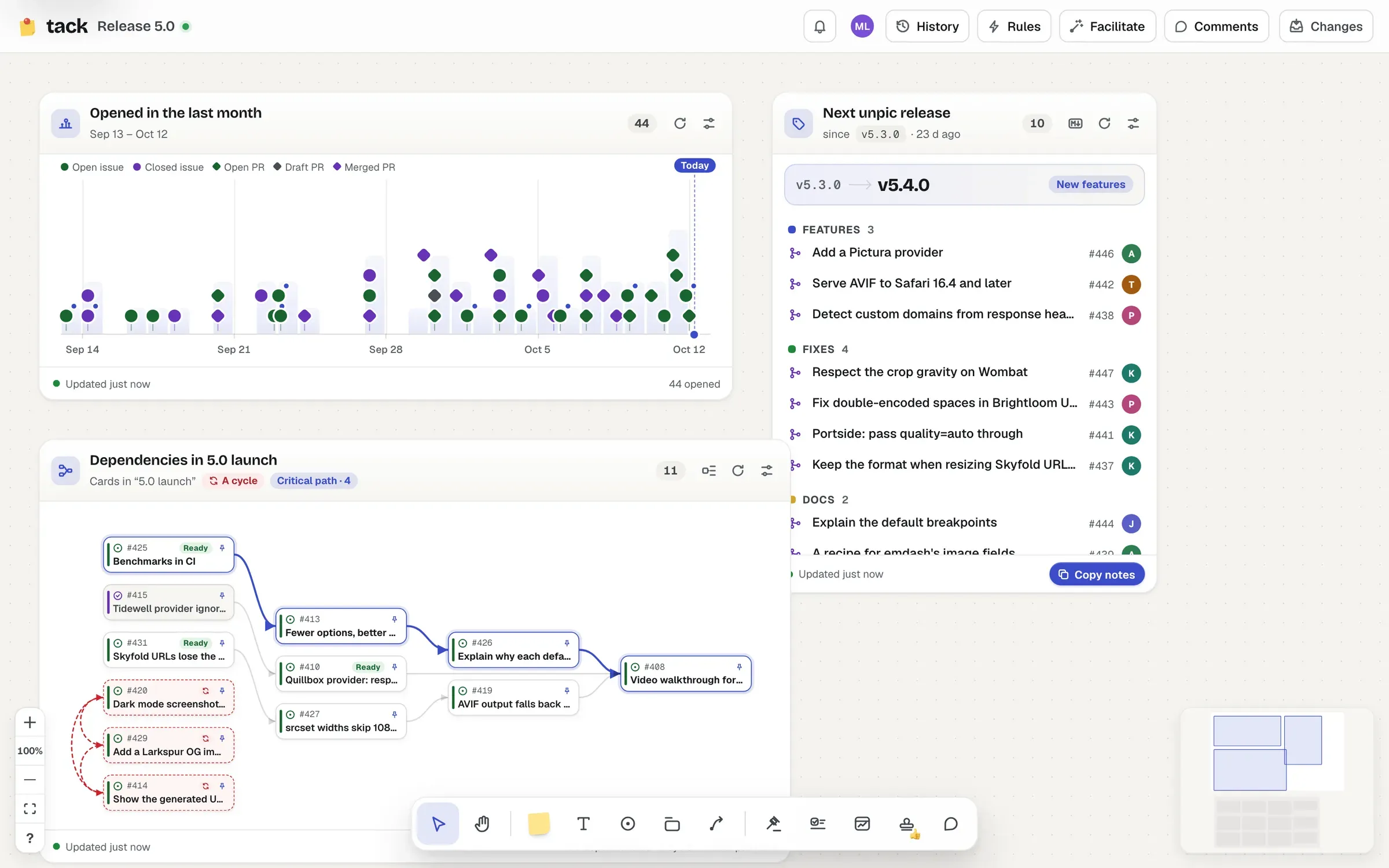
Phones and tablets
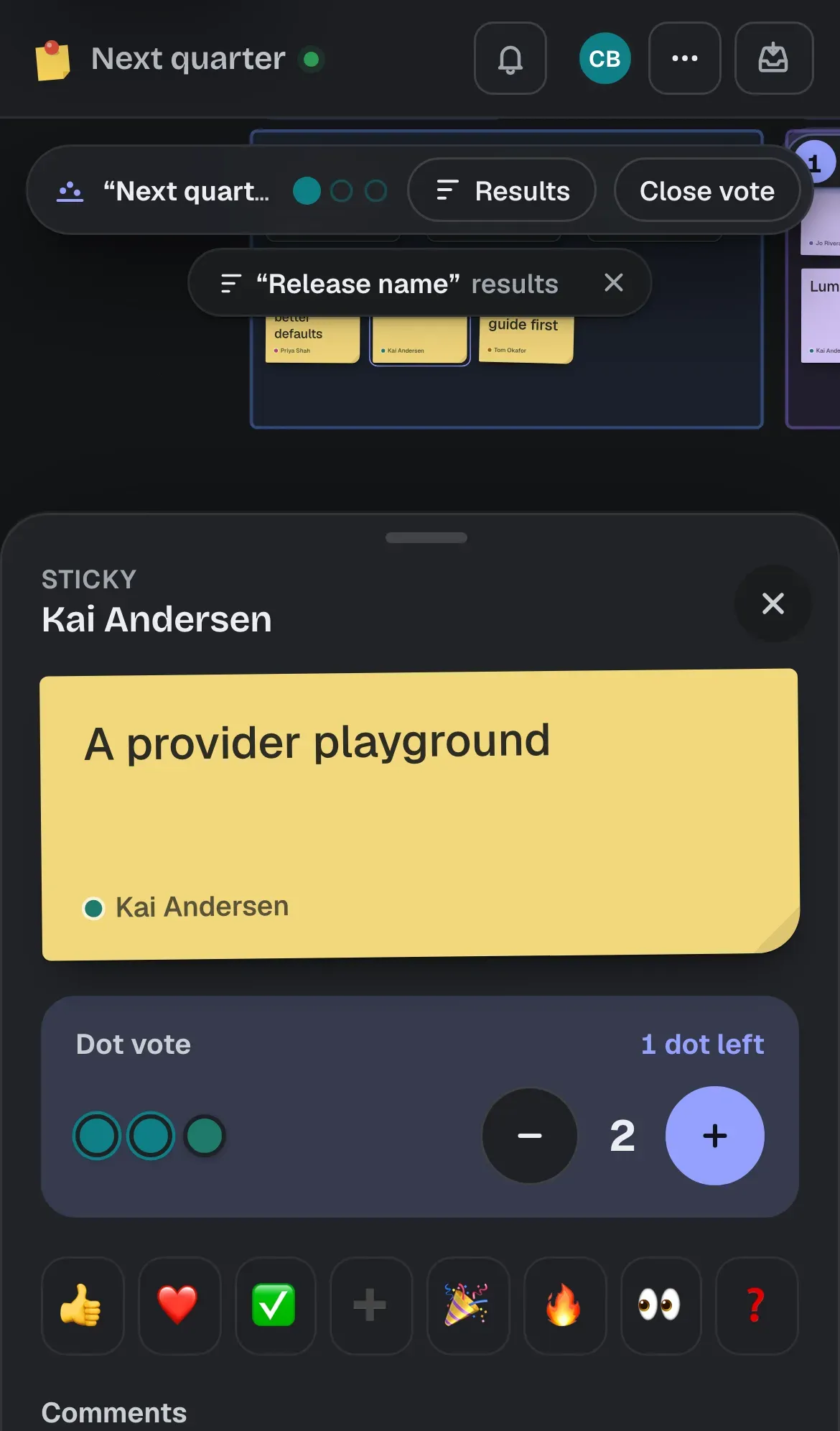
Tap anything on a board to read it, vote, stamp and comment, and add stickies from the +. On a tablet, edit with a finger or a pencil.
Phones and tablets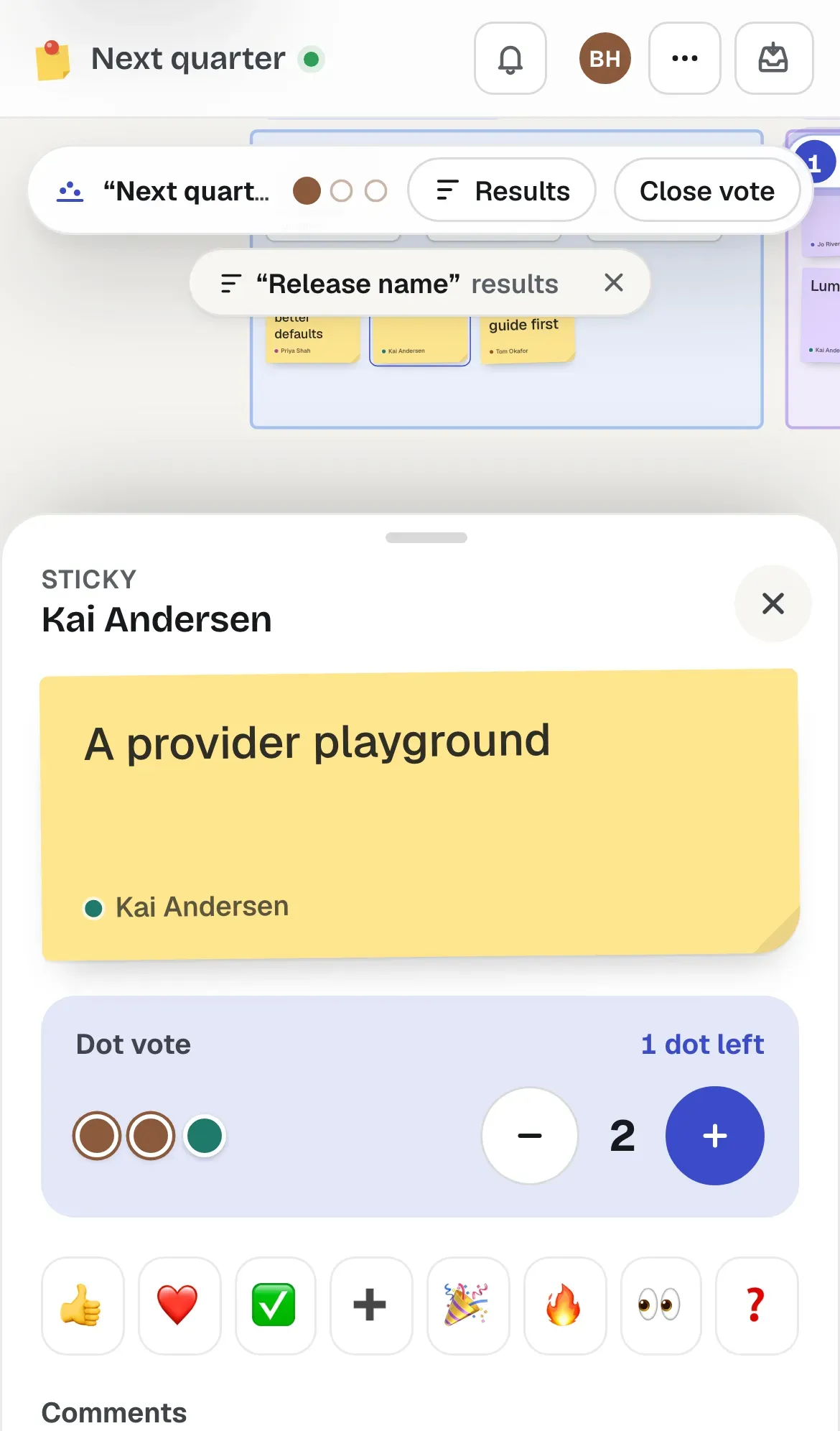
Tack is MIT licensed, and every instance is someone's own: the boards, and everything on them, stay in your Cloudflare account. Most of it runs on Workers' free plan.
Each instance is a Cloudflare Worker and a GitHub App you own, set up in about fifteen minutes. There's no hosted Tack and no account to make with us.
Get your ownEveryone signs in with GitHub. A card from a private repository only shows its details to people who can read it there, and pushes go out with each person's own permissions.
Who sees whatIssues and merge requests from GitLab, Codeberg, other Forgejo instances and Tangled sit beside GitHub's, live where the instance gets their webhooks.
Other forges