Reading the docs…
Stopped.
The Facilitate menu in the top bar (Shift+F) has the tools for running a live session: a timer, spotlight, dot voting and silent mode, each a button. People who can edit the board can stamp; everyone, viewers included, can emote, chat at their cursor and high-five.
While anything is running, the Facilitate button pulses, and the menu starts with Running now: the timer, spotlight, open votes and silent sections, each with its controls (pause, +1 and stop; end; results, close and go there; reveal). It’s one place to run the session from, and it tells someone who arrives late what’s going on.
Whoever starts something runs it: the timer, a vote, a spotlight or silent mode. They, and the board’s owner, can change or end it; everyone else sees it but not its controls (a silent section says “Lena will reveal”). The server enforces this, so a stray click can’t stop someone else’s timer or close their vote. Once whoever started something has left the board, any editor can take it over, so nothing is ever stuck.
Facilitate → Timer (or Shift+T): say what it’s for if you like (“Silent brainstorm”), then pick 1m, 3m, 5m, 10m or 15m, or type the minutes and Start. Timers run from 5 seconds to 4 hours. Starting a new one replaces the old.
Everyone sees the same pill at the top of the board, counting down together: Tack keeps the time on the server and allows for each browser’s clock, so everyone reaches zero at once, including people who arrive late. In the last ten seconds the digits pulse. At zero it says “Time’s up”, glows, and chimes once for everyone who saw it running. Turn the chime off with Chime when the timer ends in the Facilitate menu (remembered in your browser).
Whoever started it, and the board’s owner, can Pause, Resume, add a minute (+1) or Stop it, from the pill or Running now. When they pause or stop it, everyone else is told (“Lena paused the timer”). “Time’s up” settles into a small chip after 20 seconds, and tidies itself away after two minutes.
Facilitate → Spotlight me (or Shift+S) brings everyone to what you’re looking at, and keeps them with you as you move: they follow your view, framed with your colour. People who arrive while you’re spotlighting are brought along too.
Anyone can break out by panning, zooming, pressing Esc or choosing Break out, and Rejoin brings them back. The spotlight ends when you choose Stop (or press Shift+S again), or leave the board. One person spotlights at a time, and only people who can edit the board can spotlight. While someone else is spotlighting, the board’s owner, or whoever’s running the session, can Spotlight me instead or End theirs.
For a lighter “everyone, look here”, Call everyone over moves nobody: everyone else gets a note (“Lena is calling everyone over”) with Go there, which takes them to what you’re looking at, once.
Everyone on the board has an avatar in the top bar, and a colour that nobody else there has, kept for that board while it’s free. Click an avatar to follow that person (as with spotlight, panning stops). Past eight people, +N opens a list of everyone here, with their status, who’s following you, Follow and Jump to. When someone follows you, a small “Priya is following you” chip shows by your avatar.
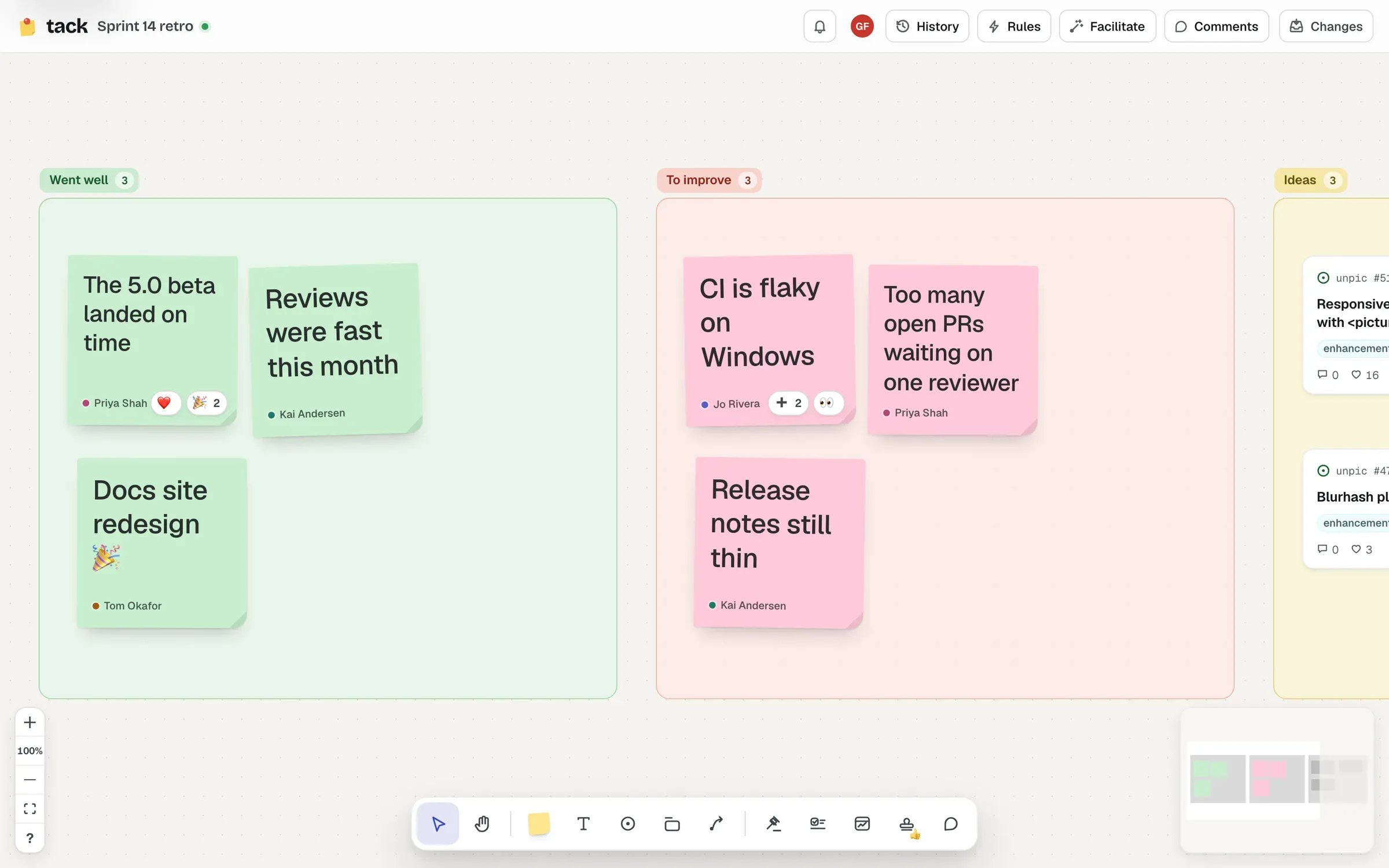
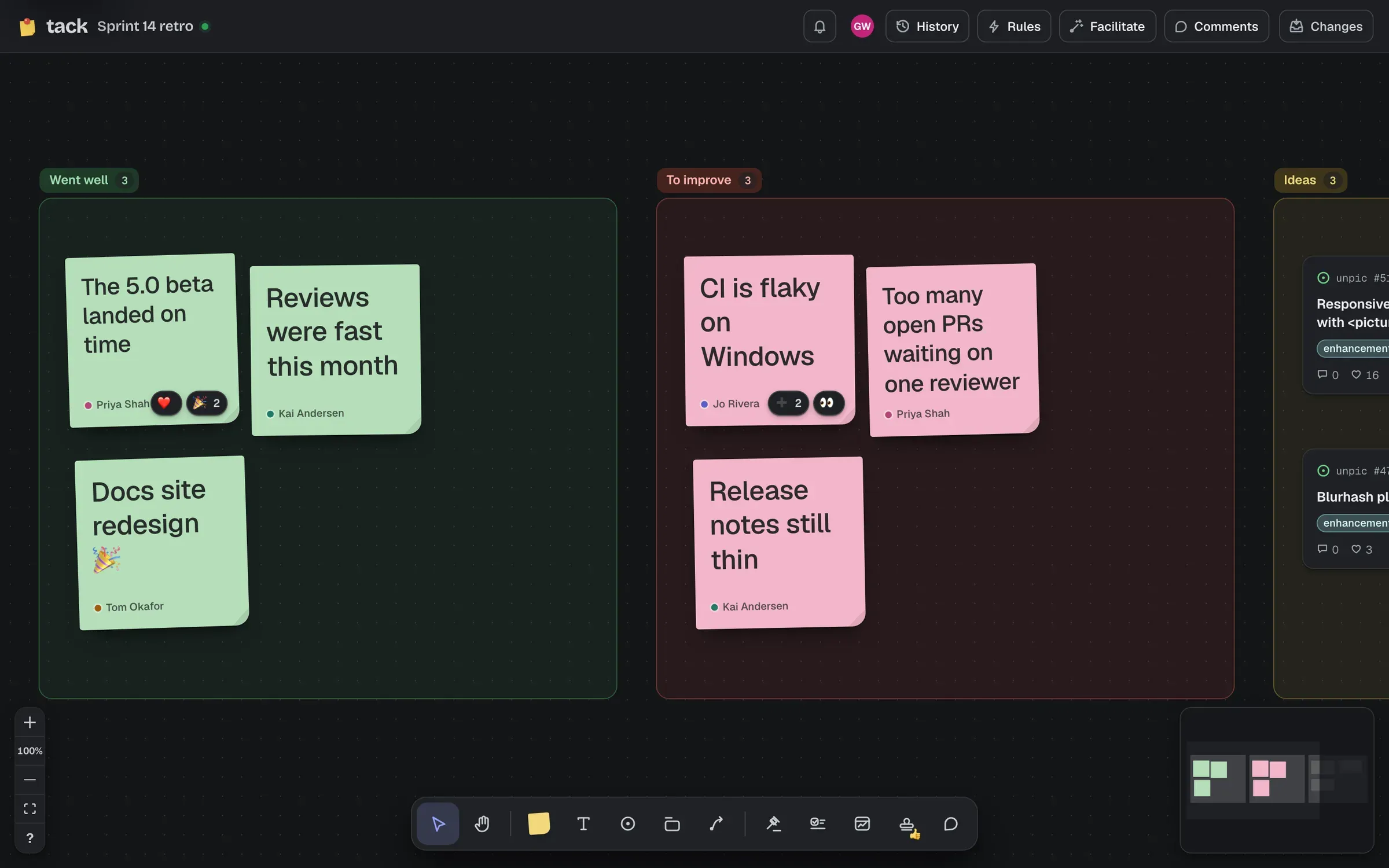
Press M for the stamp tool, pick a stamp (👍 ❤️ ✅ ➕ 🎉 🔥 👀 ❓, or 1–8), and click shapes to stamp them; click again to take yours off. Stamps gather in each shape’s bottom-right corner, with counts, and pointing at one shows who stamped it.
Stamps are part of the board, so they stay. Only people who can edit the board can stamp.
Press E for a wheel of emotes by your pointer, and pick one with a click or 1–8: 👍 ❤️ 😂 🎉 👏 🔥 🤔 ✋. Each floats up from your cursor for everyone. The wheel stays open so you can send a few; E or Esc closes it.
✋ holds your hand out for six seconds, fading a little in the last two. When two people’s raised hands meet, they high-five, and everyone watching sees it.
Emotes and high-fives aren’t kept, and anyone on the board can send them, including people with view access.
If the board has rules that place cards, choose Pause rules for this session in the Facilitate menu so nothing lands on the board mid-discussion. Nothing is missed: what the rules would have placed waits, the top bar’s Rules button counts it, and it’s placed as soon as someone chooses Resume rules (in the same menu, or the Rules panel). The pause is for everyone on the board, and lasts until someone resumes.
Press / (or Facilitate → Chat at your cursor) and type: your words show by your cursor as you type, up to 100 characters. Enter sends, and it fades after a few seconds. Nothing is kept.