Reading the docs…
Stopped.
Every board keeps its history. Scrub back through it to see how the board got here, play it like a video, and bring back anything that was removed.
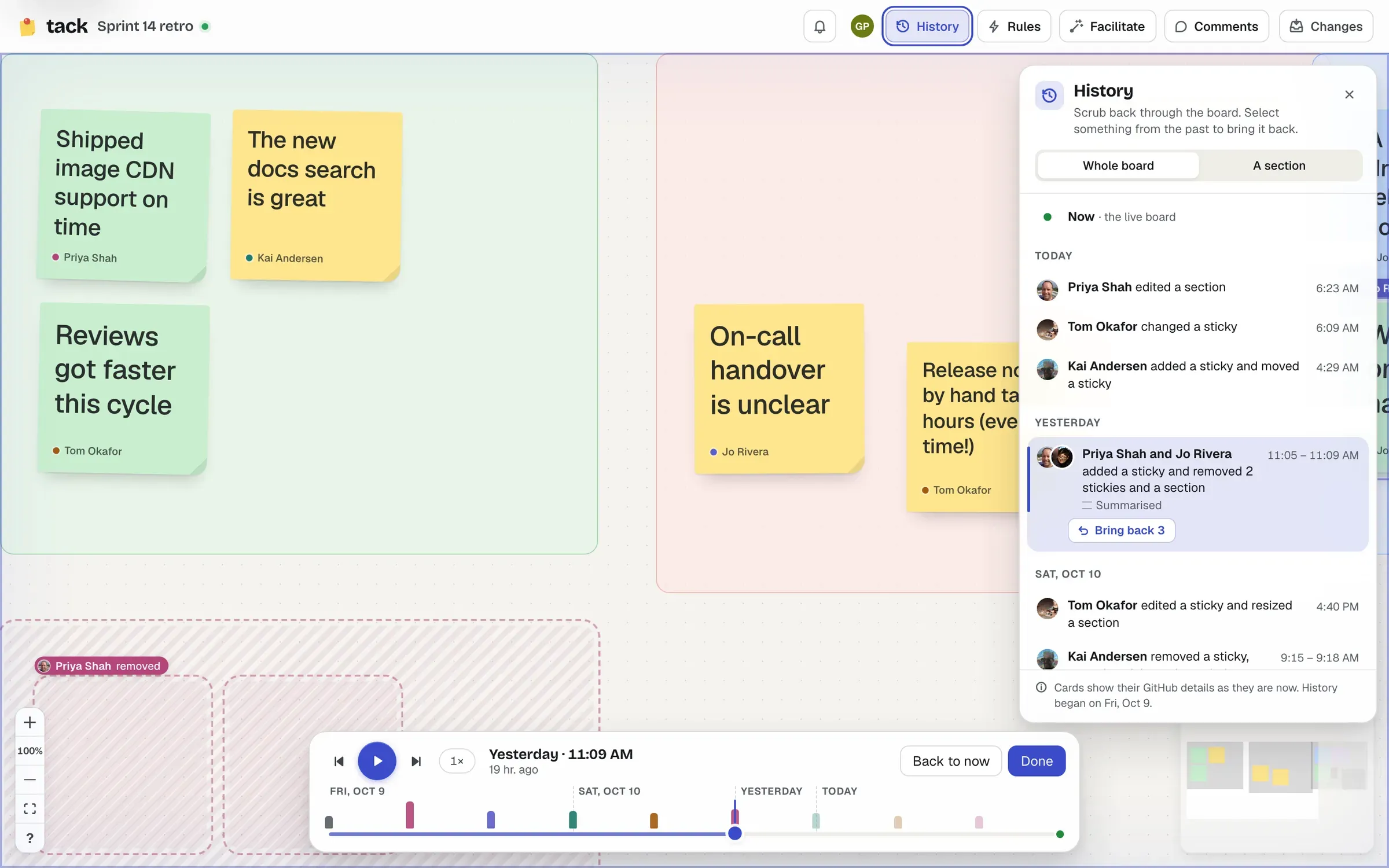
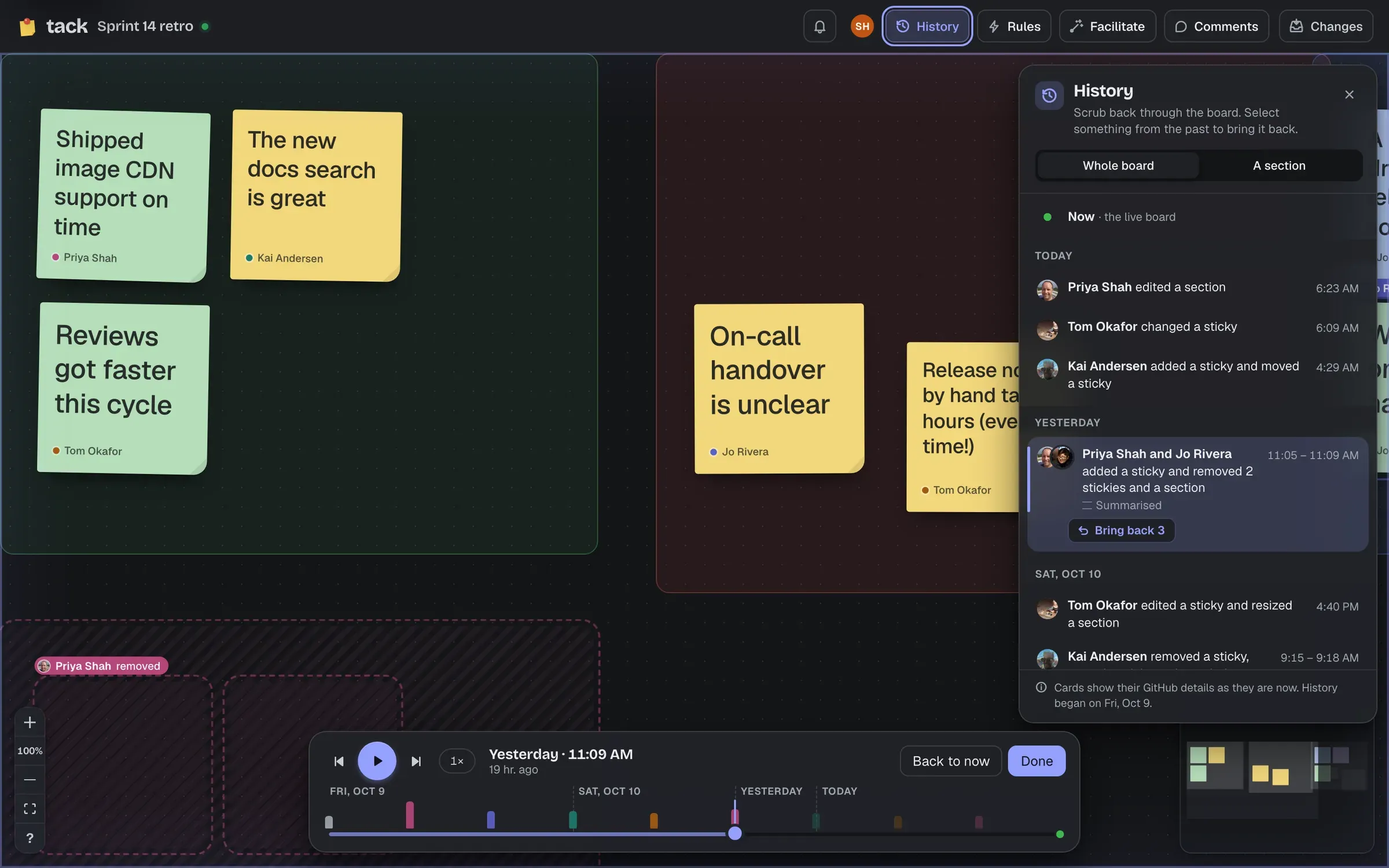
Choose History in the top bar, or press ⌘ ⌥ ⇧ H (Ctrl Alt Shift H on Windows and Linux). With a section selected on its own, it opens on that section’s history.
While history is open, the board shows the past, and it’s view only. Everyone else carries on with the live board. Back to now returns to the present, and Done (or Esc) closes history.
The scrubber takes the tool dock’s place at the bottom of the board. Its track has a tick for each change, in the colour of whoever made it and as tall as it was busy, with the days marked and now at the right end. Drag along it, or:
| To | Use |
|---|---|
| Play and pause | Space |
| Back a step, forward a step | ←, → |
| Speed | 1×, 2×, 4× or 8× |
As you go, the board changes from step to step, and what changed is outlined in the colour of whoever changed it, with their name. Shapes removed at that step show as dashed ghosts.
The panel lists what happened, newest first, under day headings: “Kai Andersen added a sticky and moved a sticky”. Someone’s changes close together are one entry, and so are a session’s votes, stamps and timers, whoever made them (“Lena, Gus and Kai voted and stamped”), so they don’t bury the board’s edits. Click an entry to go to it.
Choose Whole board or A section to see one section’s history, which filters the scrubber too.
An entry that removed something has Bring back: it puts what was removed back on the live board, where it was.
Or select shapes on the board while it shows the past:
Restoring is an ordinary edit to the live board, made by you, and one undo step: ⌘ Z takes it back. It never rewrites history. People with view access can look through history, but not bring anything back.
Anyone who can open the board can read its history, as they can the board itself.