Reading the docs…
Stopped.
Comments are threads pinned to a shape, or to a point on the board.
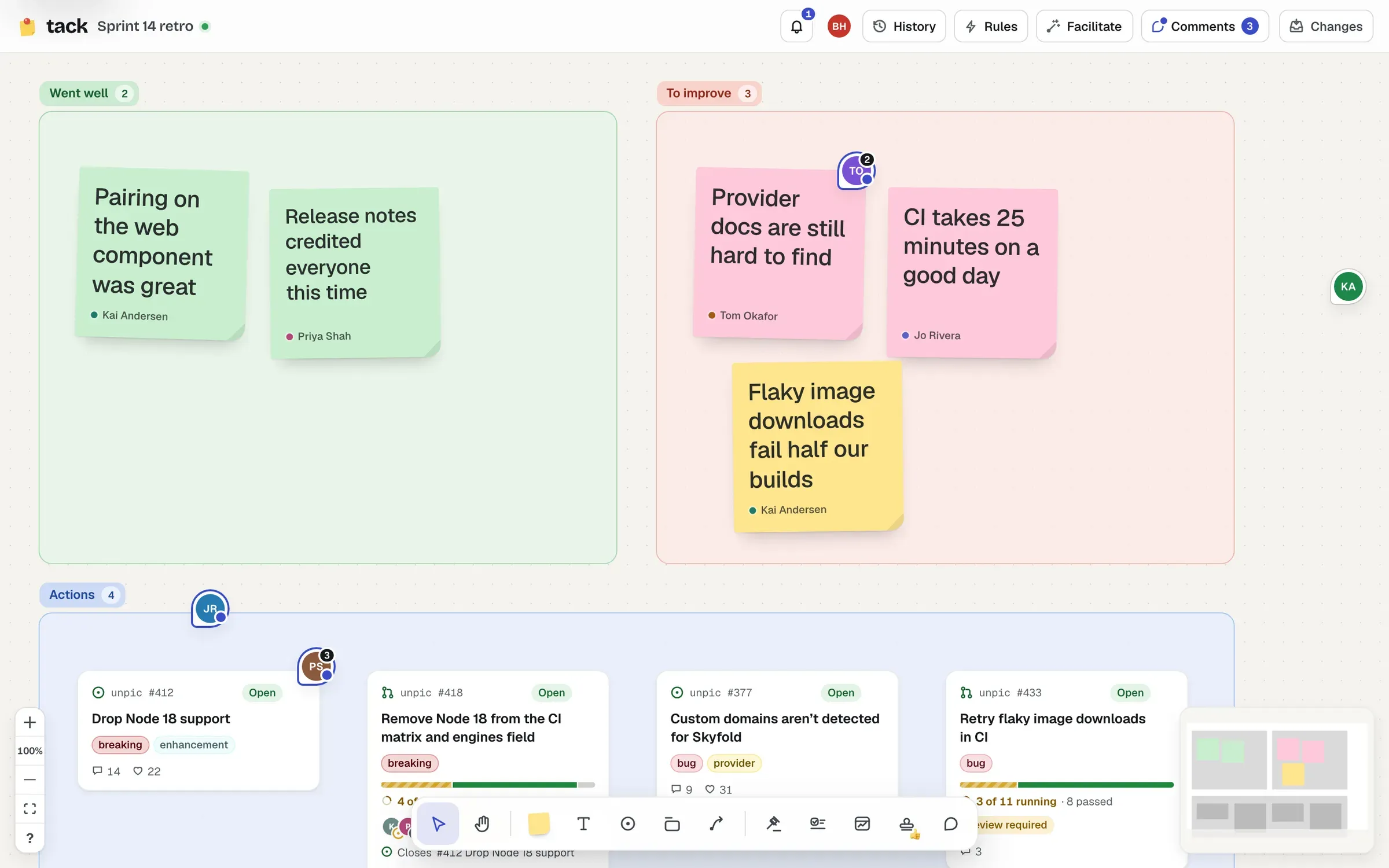
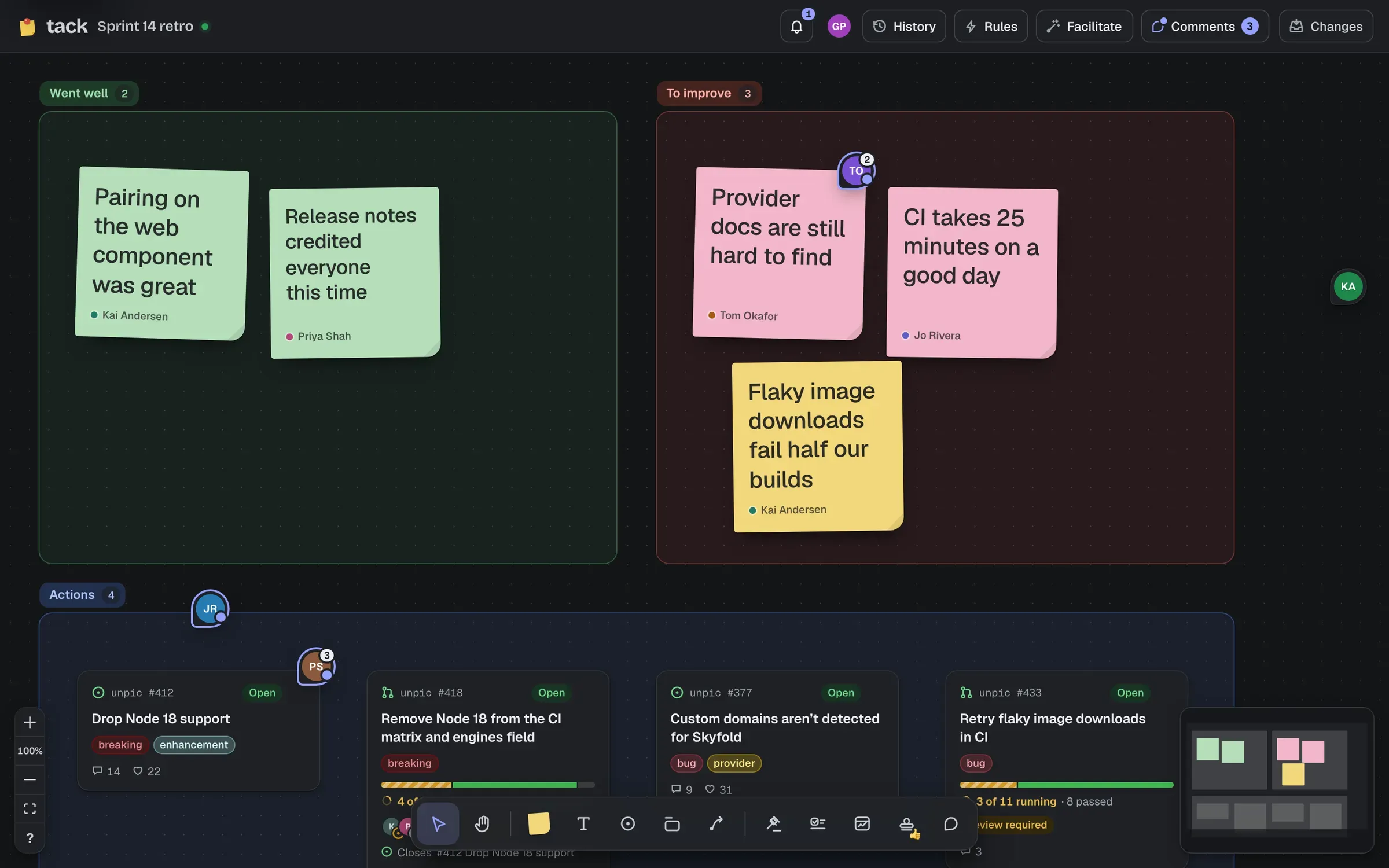
Press B (for bubble), or choose Comment in the toolbar, then click anything to comment on it, or anywhere on the board. Type, and press Enter to send (Shift Enter for a new line).
Type @ to mention someone: the board’s members and the people who’ve opened it lately. They’re notified. Mentions read by name (“@Priya Shah”), with the login when you point at one.
A pin shows who started the thread and how many messages it has, stays the same size however far you zoom, and follows its shape when it moves. If the shape is deleted, the pin stays where it was. Point at a pin to preview it; click to open the thread, whose header says what it’s on.
| Can | |
|---|---|
| Anyone signed in who can open the board, viewers included | Comment and reply |
| Whoever started a thread, and editors and owners | Resolve, reopen and move it |
| The author | Edit or delete their own messages, and undo a delete for ten minutes |
| The board’s owner | Delete anyone’s messages |
| People who aren’t signed in | Read comments, on public boards |
Archived boards are read-only for comments too.
Resolve closes a thread and tucks its pin away (with Undo). Replying to a resolved thread reopens it. To see resolved threads on the board, tick Show resolved on the board in the Comments panel.
Choose Comments in the top bar. Its count is your unread threads, or the open ones if you’ve read them all. The panel has three tabs, Open, Resolved and Mentions, newest activity first, each saying where the thread is (“on acme/app#12 …”, “in “To improve””) and its first message. Click one to go to it.
A thread is unread if someone else has written in it since you last opened it. What you’ve read is yours alone.
The bell in the top bar (on boards and the home page) collects mentions of you, and replies in threads you’ve written in, from every board you can still open: “Priya mentioned you here”, “Kai replied on Sprint 14 retro”. Click one to open the thread. Mark all read clears them. If you’re mentioned on the board you’re looking at, a note says so straight away (“Matt mentioned you”), with View to open the thread.
A message can be up to 5000 characters, a thread up to 300 messages, and a board up to 2000 threads.