Reading the docs…
Stopped.
Choose New board on the home page and Tack shows its templates: boards laid out for the session you’re running, with sections to work in, short prompts, widgets, rules, and facilitation ready to start. Pick one, or a Blank board.
Each template shows what’s inside before you make a board from it: its sections, widgets, rules and the steps it has ready. Use the arrow keys to move through them, and Enter on Create board to make it.
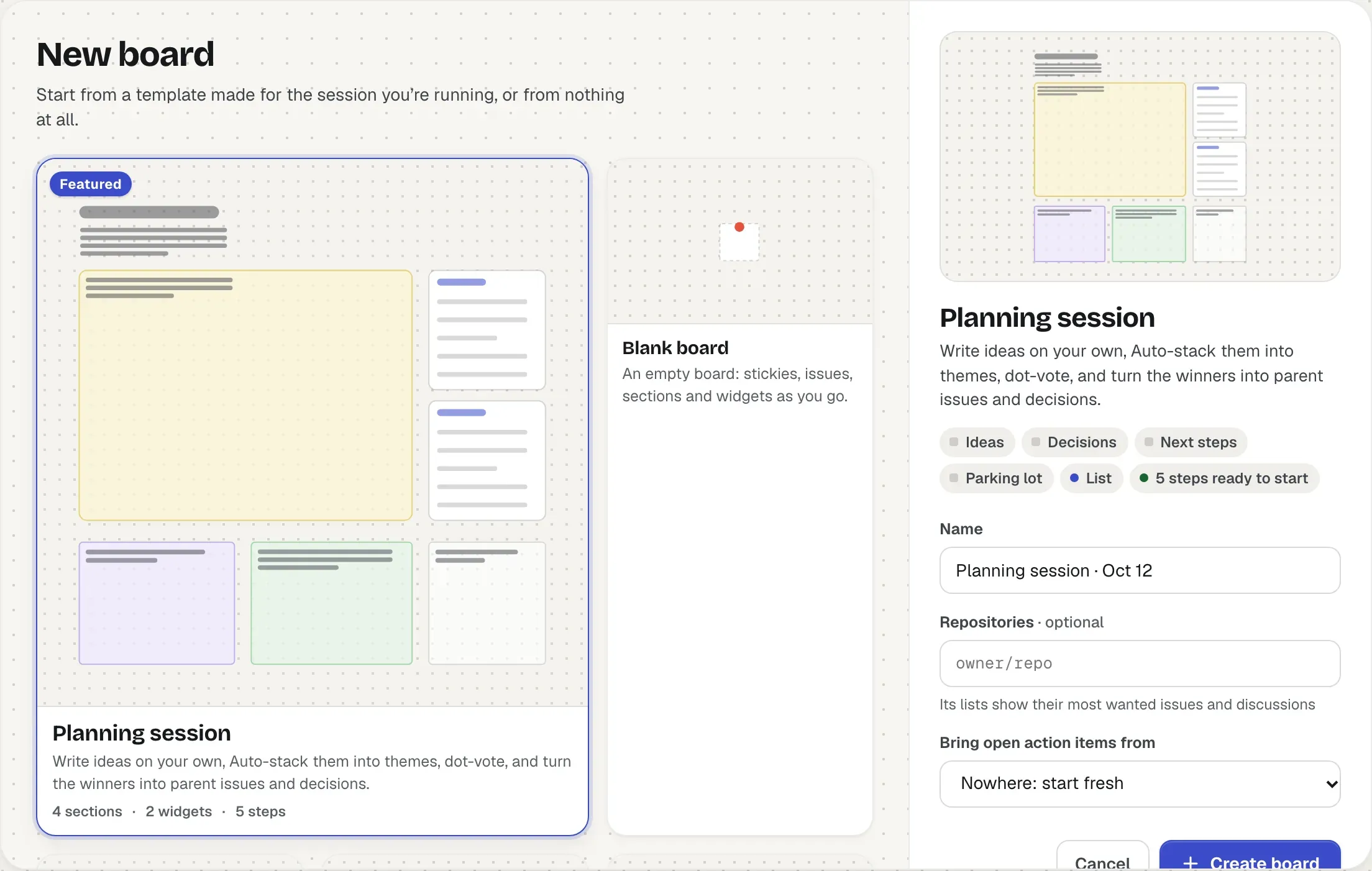
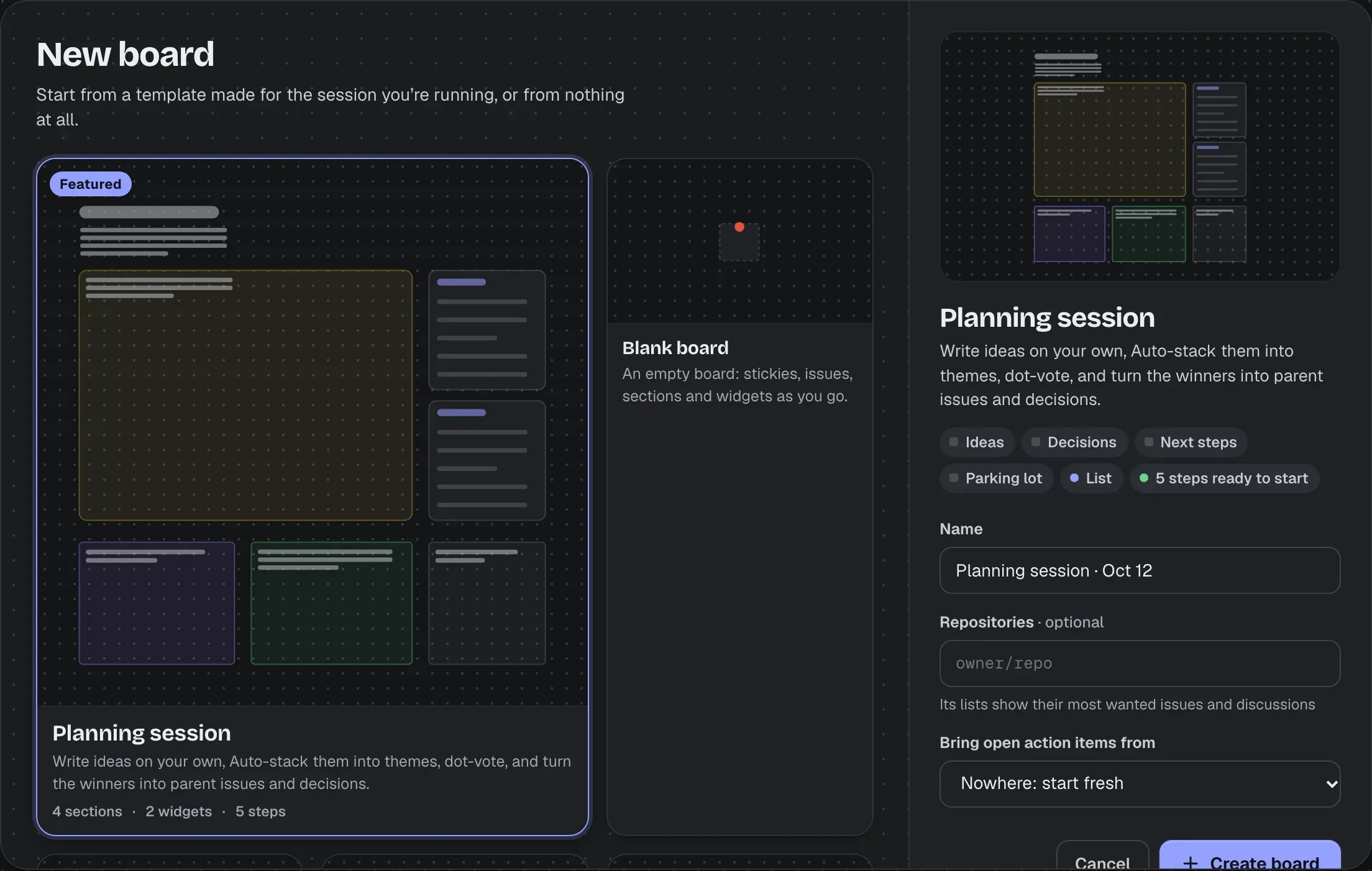
Each is a starting board for one kind of session, laid out the way it runs, with only what that session needs.
| Template | What’s on it |
|---|---|
| Planning session | Ideas, written on your own in silent mode, then sorted into themes with Auto-stack and dot-voted, five dots each (👍 on GitHub counts too). Lists of the most wanted issues and the top discussions to bring in. Decisions, Next steps (a winning stack becomes a parent issue) and a Parking lot. |
| Retro | Went well, To improve and Ideas to try, inside one section so a single round of silent writing covers all three. Last retro’s open action items come along into Actions. Steps for checking them, writing, Auto-stacking each column, a dot vote on what to fix first, and agreeing actions. |
| Triage | An inbox of unlabelled issues, and a list of unanswered questions from Discussions. P0 and P1 as cards, Needs more info and P2 · Backlog as lists that grow as they fill, and a stale finder. Rules put security issues in P0, and pull requests beside the issues they fix. |
| Release planning | Now as cards, with a dependency map of what in it blocks what and its critical path, and Next as mini cards. The release’s milestone, a release draft and a review queue of its pull requests. A rule puts pull requests beside the issues they fix. |
| Roadmap | Now, Next and Later as lists (Now sorted by state), a timeline of what shipped lately, a map of what blocks Now, and a vote on what moves into Next that stays open for three days. |
| Incident review | What happened, when (stickies in order) and a timeline of the week on GitHub, then impact, contributing causes (written on your own, Auto-stacked and voted on) and what went well. Decisions to write back and action items. Run blameless. |
Templates whose widgets, inboxes or rules read your repositories ask which ones they’re about: type owner/repo and press Enter (recent ones are offered). The first is the one widgets about a single repository read, such as the milestone, the release draft and the review queue; inboxes, rules and lists read them all. Triage and Release planning need one; for the others they’re optional, and anything left without a repository is just not set up yet.
Only GitHub has Discussions. When the first repository is on another forge, what reads them (Planning’s top discussions, Triage’s unanswered questions) is left out of the board, and the rest is laid out as usual.
A template’s facilitation is in the Facilitate menu, under Ready to start, in order: silent writing in a section, a dot vote, a timer. Start does what you’d do by hand (and starts its timer) and brings its section into view; the next step is highlighted, and a dot on the Facilitate button says steps are waiting. A vote can stay open for days, as Roadmap’s does, for people in different time zones. See Running a session.
Templates with an Actions section, such as Retro, offer Bring open action items from one of your boards: the open action items there come along, with their owners, due dates and issues.
From the menu beside a board’s title, choose Save as template. Give it a name and say what it’s for. By default it keeps the board’s structure: sections, text, widgets, connectors between them, and rules. Turn on Keep stickies, cards and action items to keep everything. Dot votes and silent sections become steps ready to start; votes, comments and staged changes never come along.
Saved templates are under Saved on this Tack in New board, for everyone on the instance. The repositories its widgets, inboxes and rules read become choices, filled in with the board’s own to start with. Anyone who can edit a board can save it; whoever saved a template, or an admin, can delete it.