Reading the docs…
Stopped.
Tack is a collaborative whiteboard for planning open source work. You put GitHub issues and pull requests on a freeform board as live cards, next to stickies, stacks, sections, connectors and decisions, and work through them with your team, live or over days, on a computer, a tablet or a phone.
Arranging a board never touches GitHub. When the session has produced something worth keeping (new issues, labels, a milestone, links between issues, a decision record), you stage it, review it as one batch, and push it. Until then, nothing changes on GitHub.
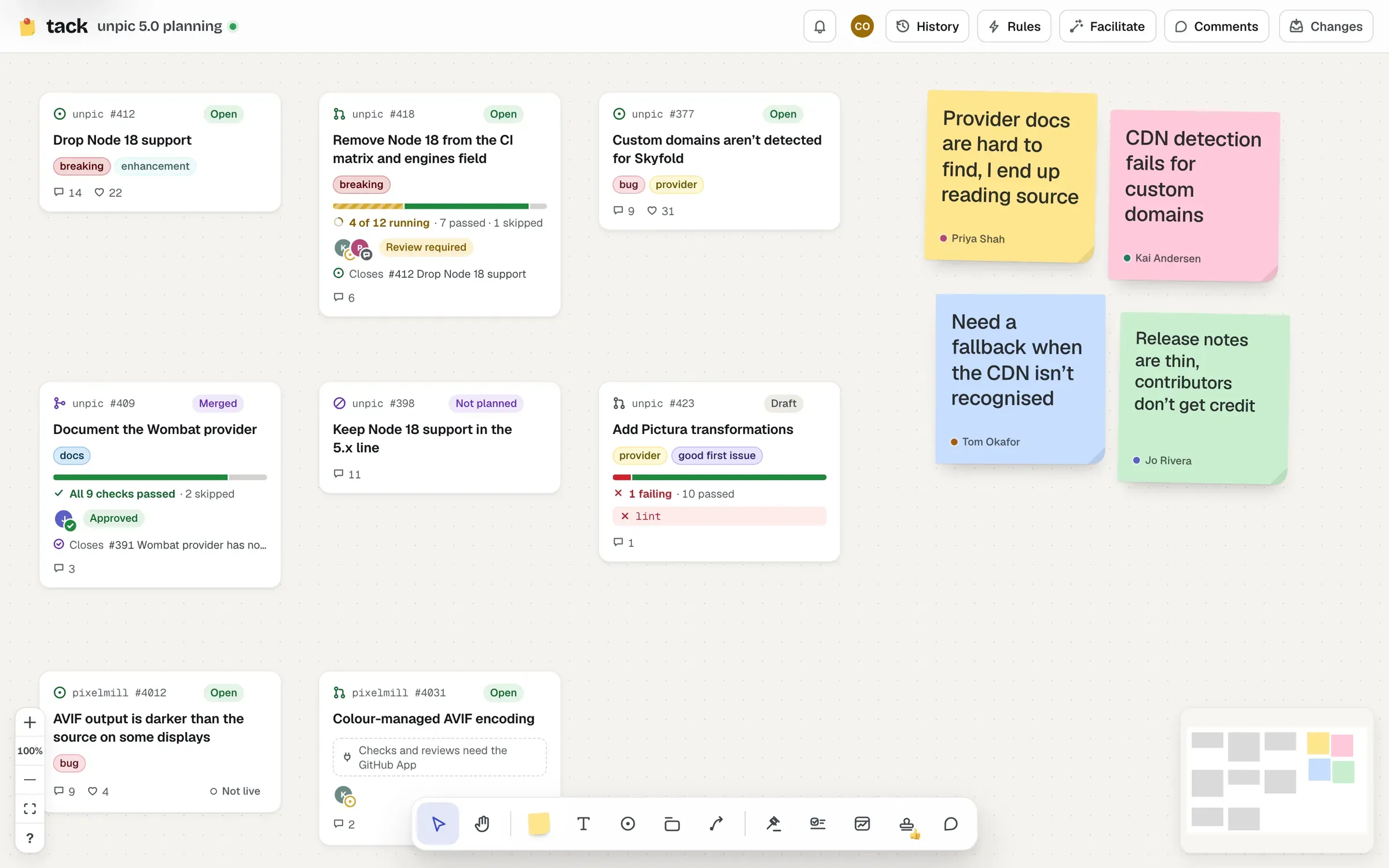
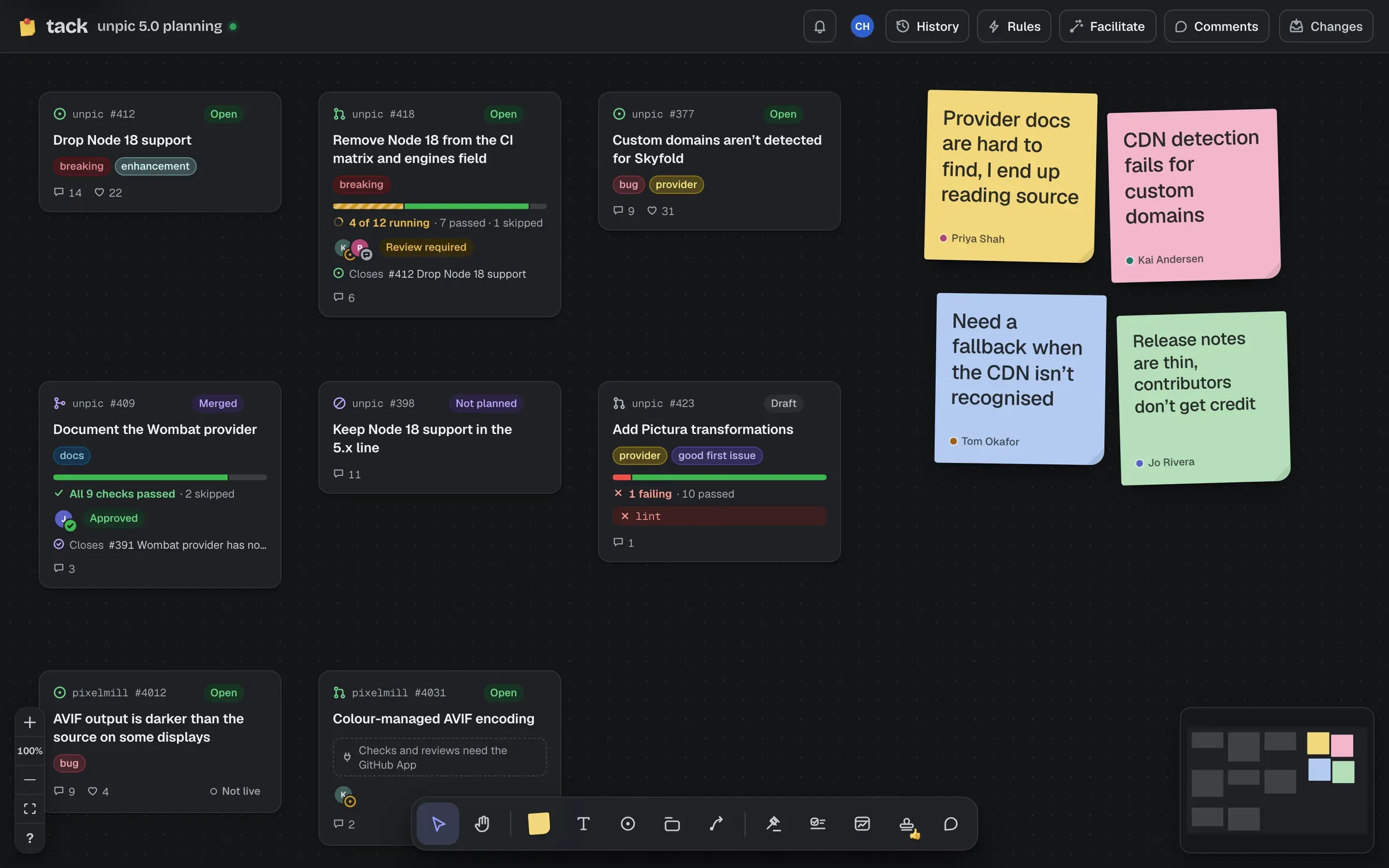
Tack is open source (MIT) and self-hosted: each instance is one Cloudflare Worker and a GitHub App you own. There’s no hosted service. See Deploy Tack, or try it in your browser first.
These decide how every feature behaves:
You sign in with GitHub, and GitHub decides what you can see and do:
| Thing | What it’s for |
|---|---|
| Cards | Live GitHub issues and pull requests: state, labels, assignees, CI and reviews |
| Stickies and text | Ideas, notes and headings. Stickies can become issues |
| Stacks | Stickies, issues and pull requests gathered into a named theme. A stack can become a parent issue |
| Sections | Frames that hold things. A section can become a parent issue, an inbox, a silent brainstorm or a vote |
| Connectors | Arrows between things. A connector between two issues can become a blocked-by link |
| Decisions | Proposals people vote on, decided, then written back as an ADR pull request or a Discussion |
| Action items | Who’ll do what by when, following their issues, and carried into the next session |
| History | The board over time: replay it, see who changed what, bring back what was removed |
| Widgets | Live searches and views: lists, a timeline, a release draft, a dependency map, a review queue, a milestone and a stale finder |
| Custom widgets | Your own code, in a sandbox, drawing the board’s data |
Cards can also come from GitLab, Codeberg, Forgejo and Tangled, and AI can name stacks, set up a widget from a sentence, summarise and draft decisions, always shown to you first.
Next, take the two-minute tour.